


Your website can attract the right visitor and still lose the lead at the final step.
One common reason is that the contact method does not match how customers want to buy.
A basic contact form, a detailed quote request and an online booking system are not interchangeable. Each works best for a different type of customer journey.
At Manisoft Media, we prefer to choose the lead path based on what the business actually needs after the visitor clicks the call to action.
The best contact method collects enough information to move forward — but not so much that good customers give up.
Option 1: Simple Contact Form
A simple form is useful when the business mainly needs to start a conversation.
Typical fields:
- Name
- Email or phone
- Message
This works well when the service still requires a discussion before scope or pricing can be determined.
When a Simple Contact Form Works Best
- Professional services
- Consulting
- General business enquiries
- Partnership requests
- Complex services where discovery is required
Option 2: Quote Request Form
A quote form collects information needed to determine scope before the business replies.
For example, a contractor may ask:
- Project type
- Location
- Approximate size
- Timeline
- Budget range
- Photos
This can reduce back-and-forth when each project is different.
When a Quote Form Works Best
- Contractors
- Renovation companies
- Commercial photography
- Video production
- Web design
- Custom services
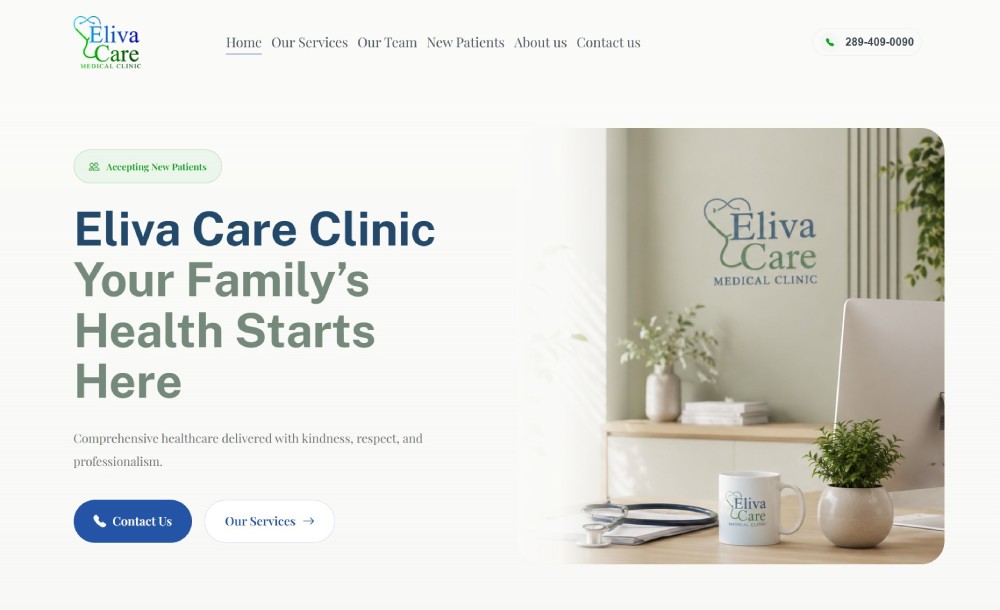
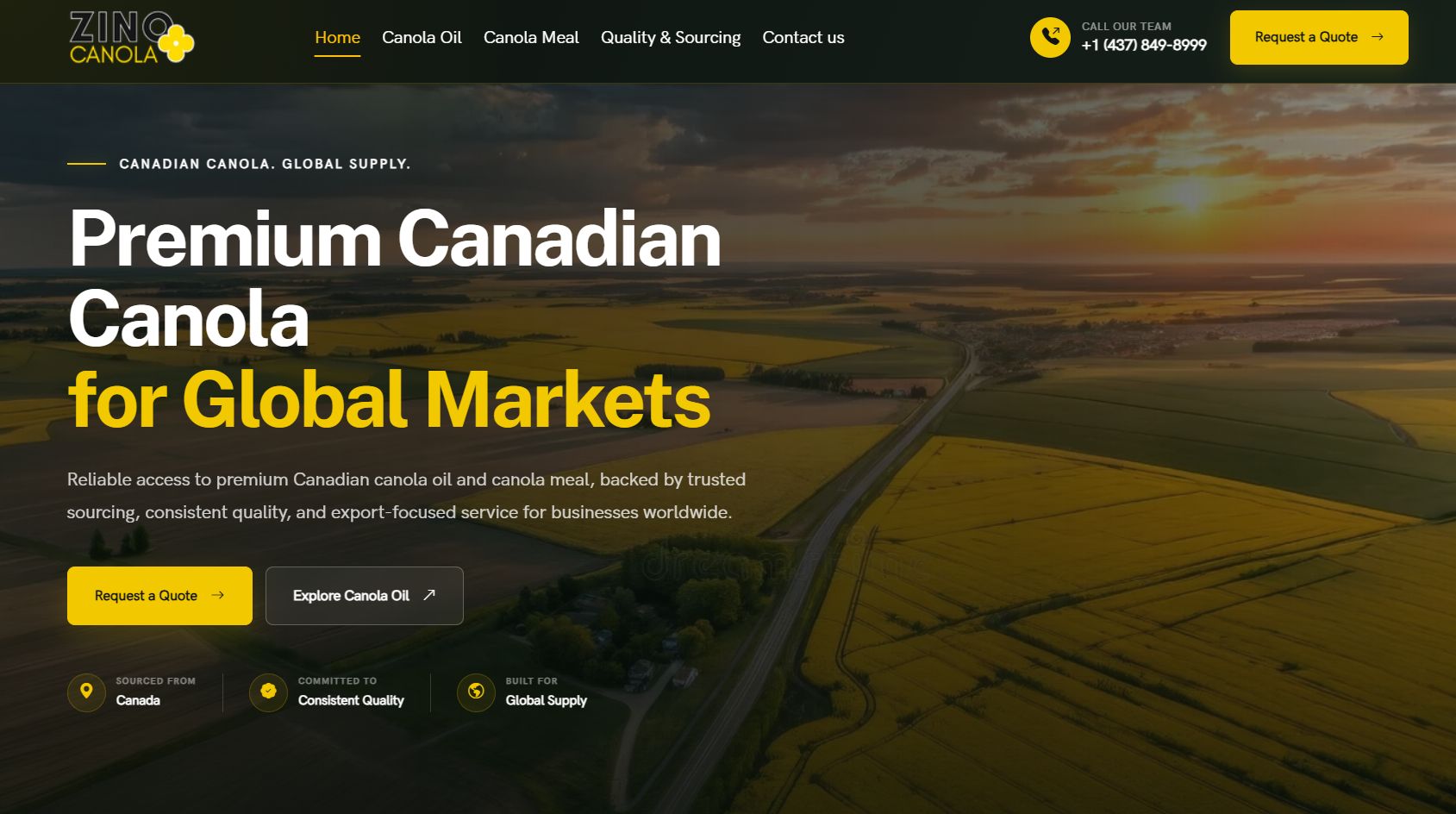
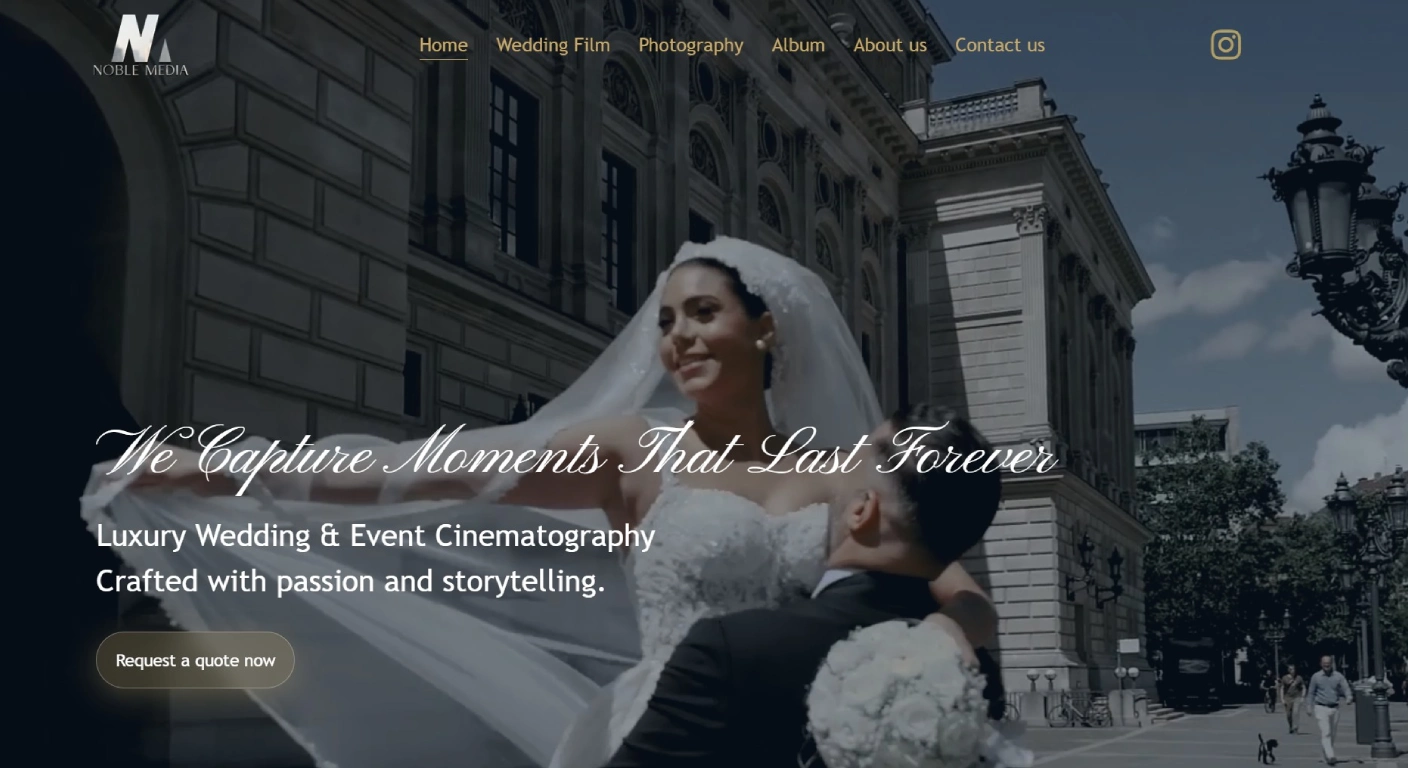
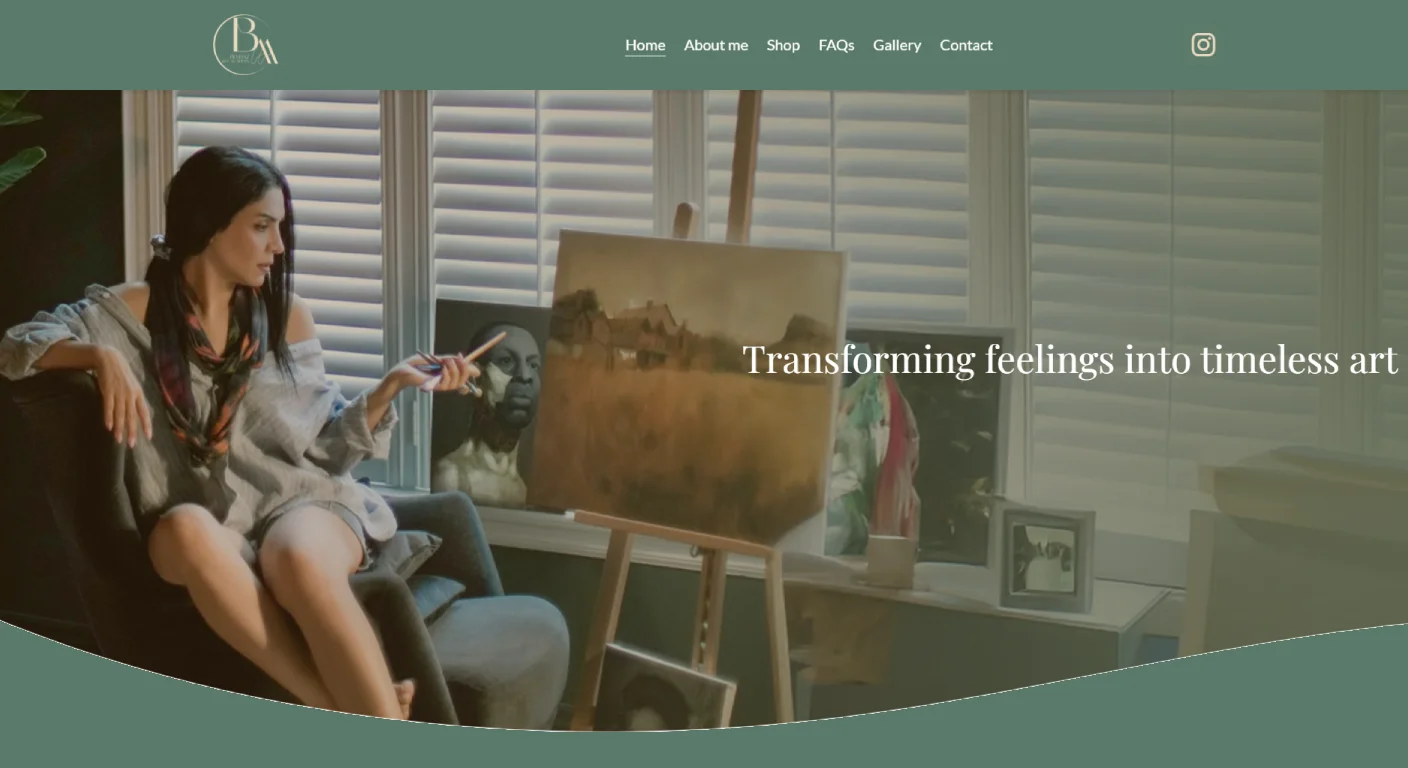
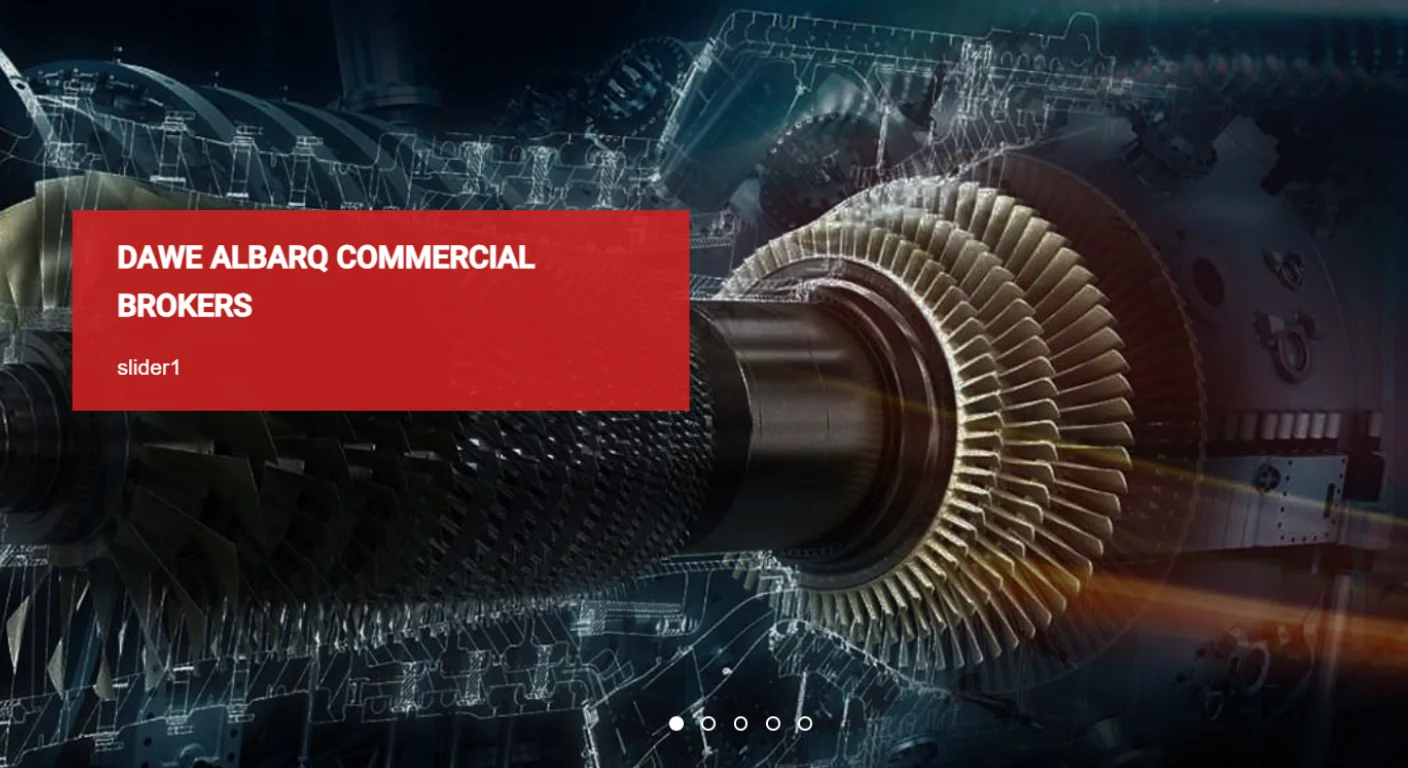
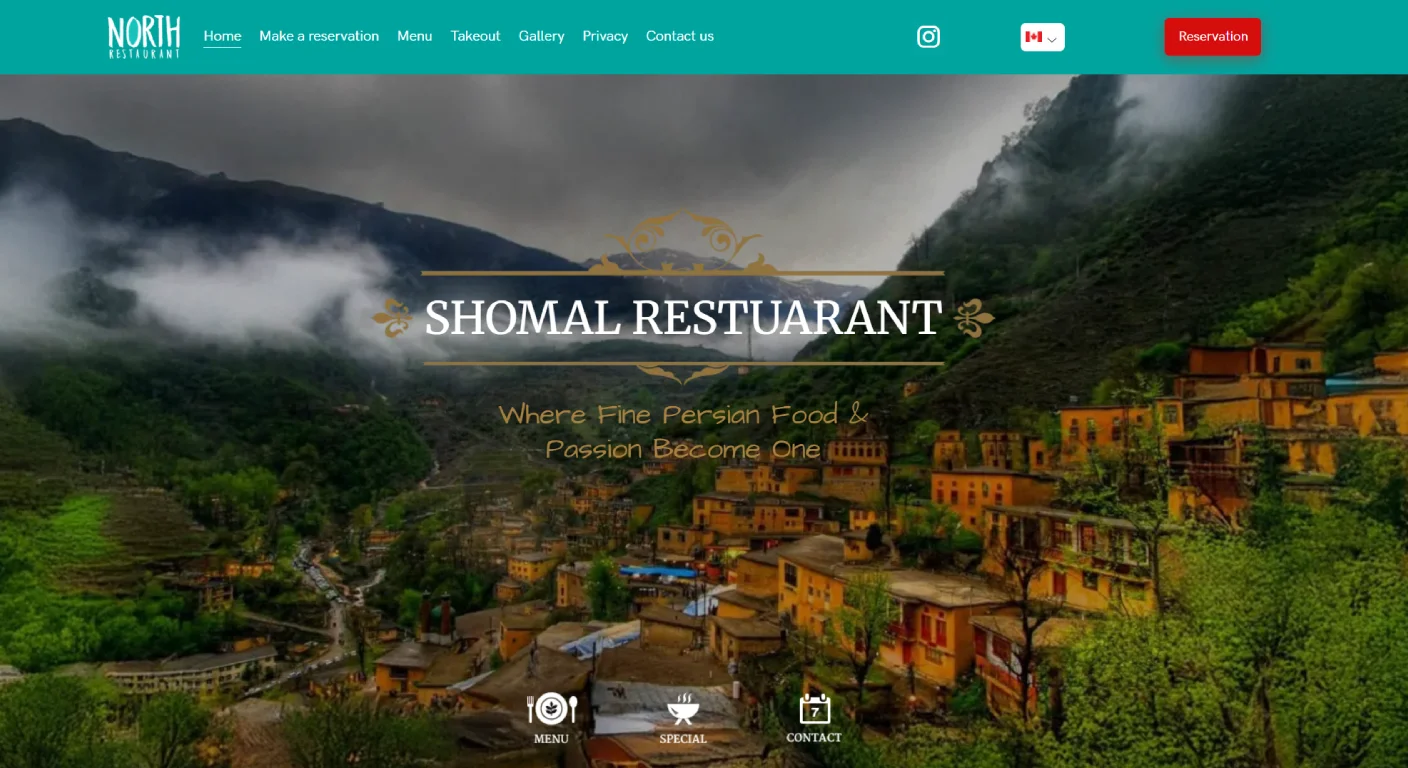
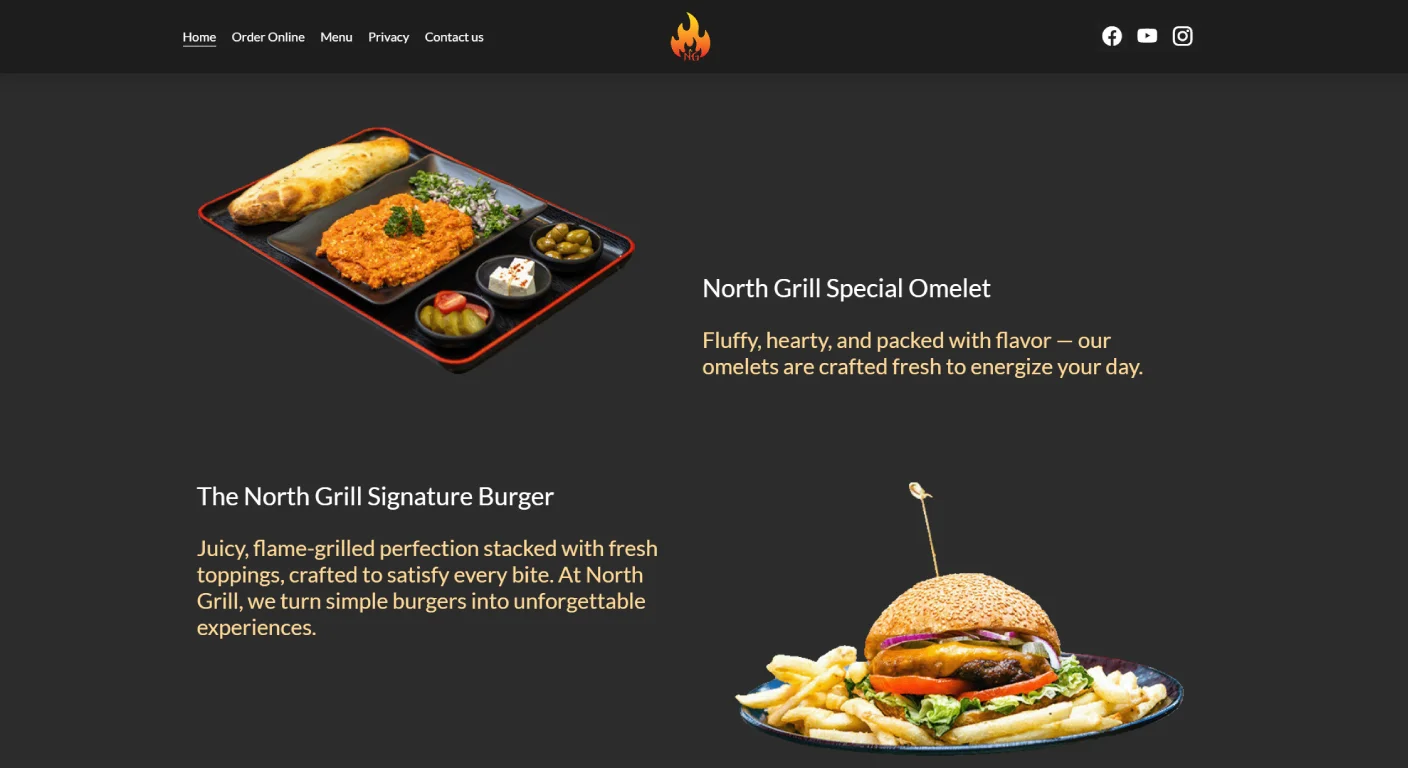
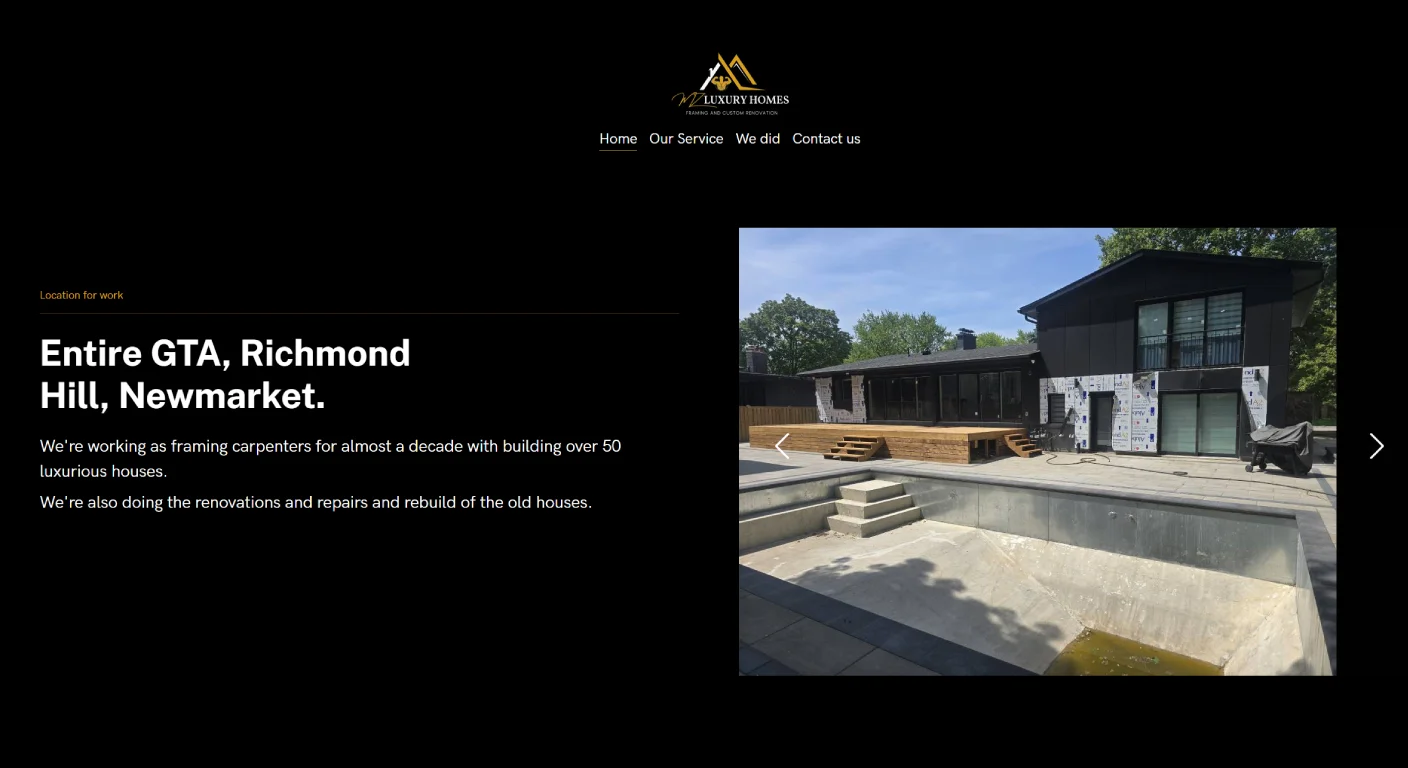
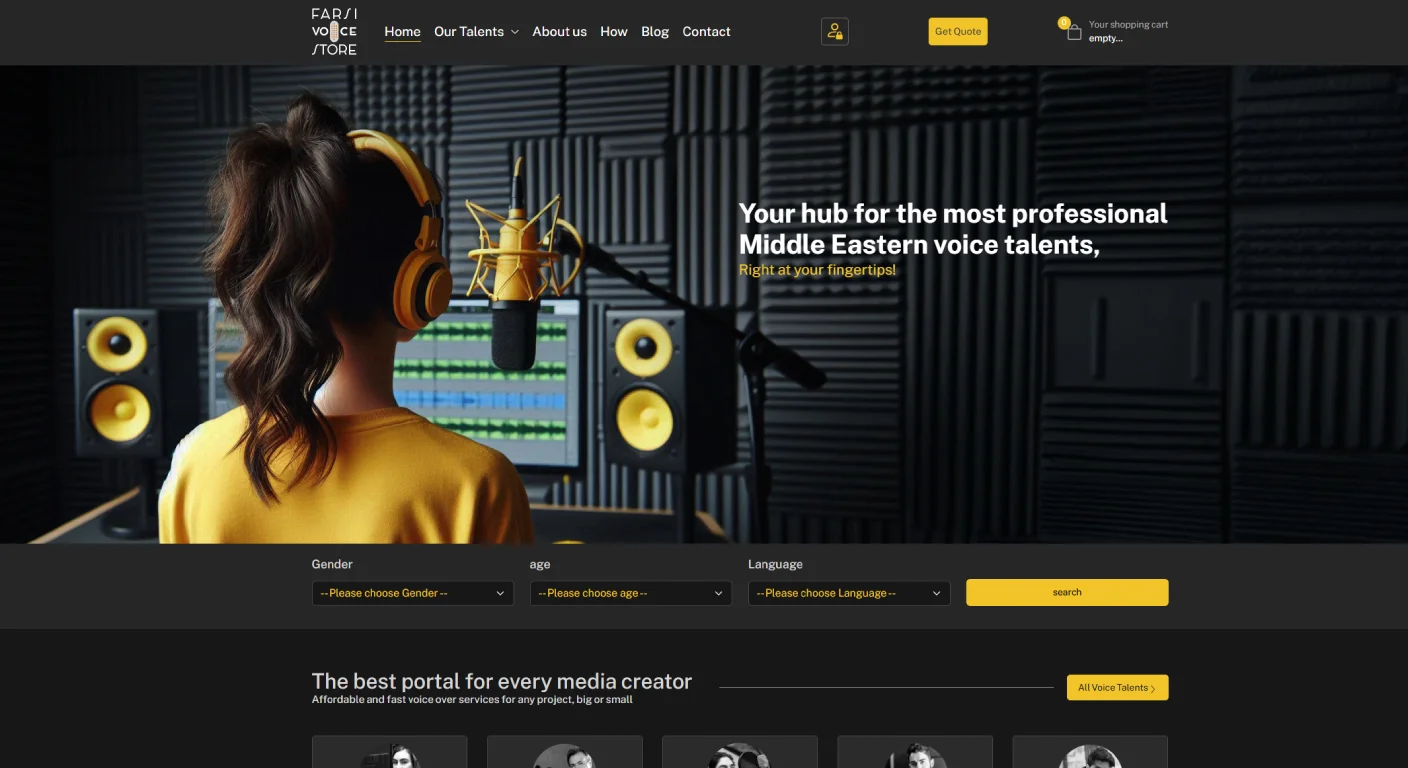
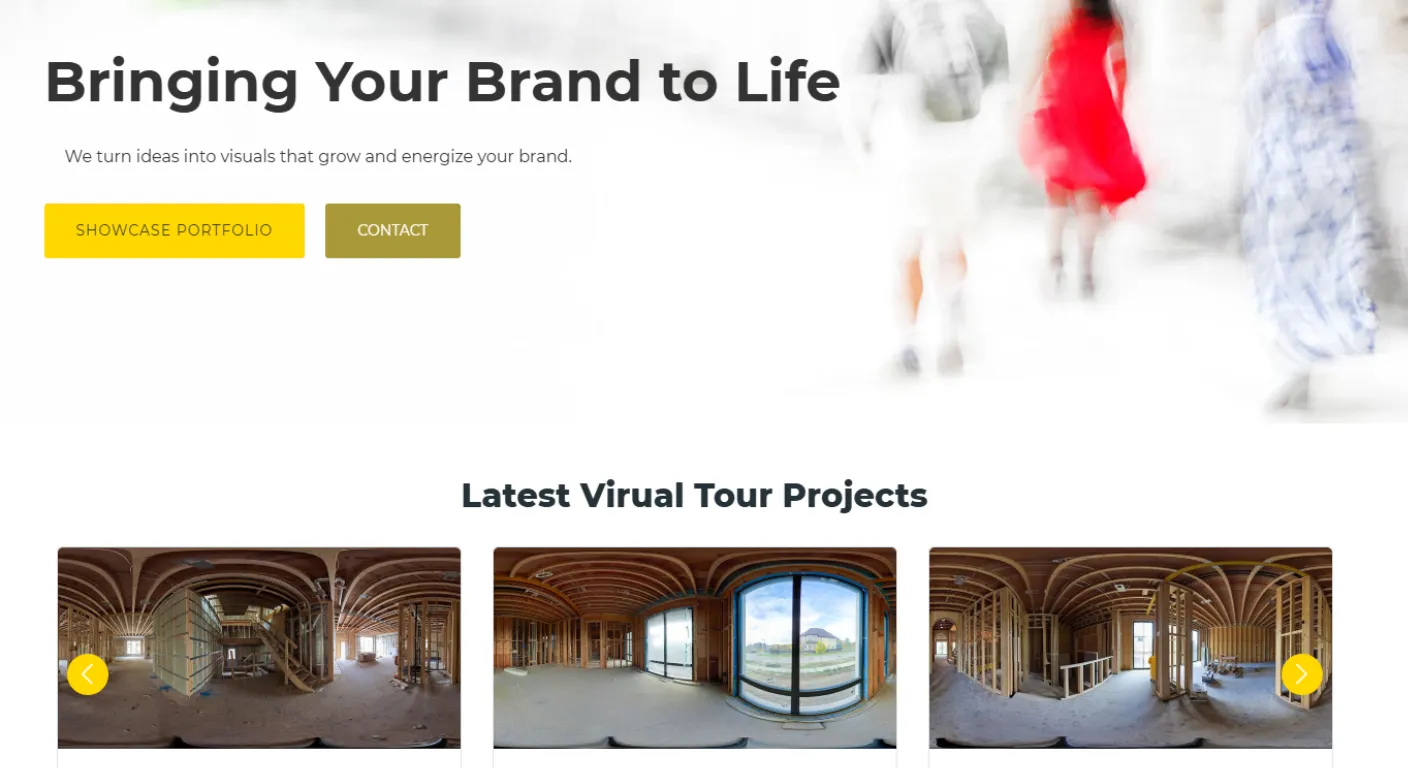
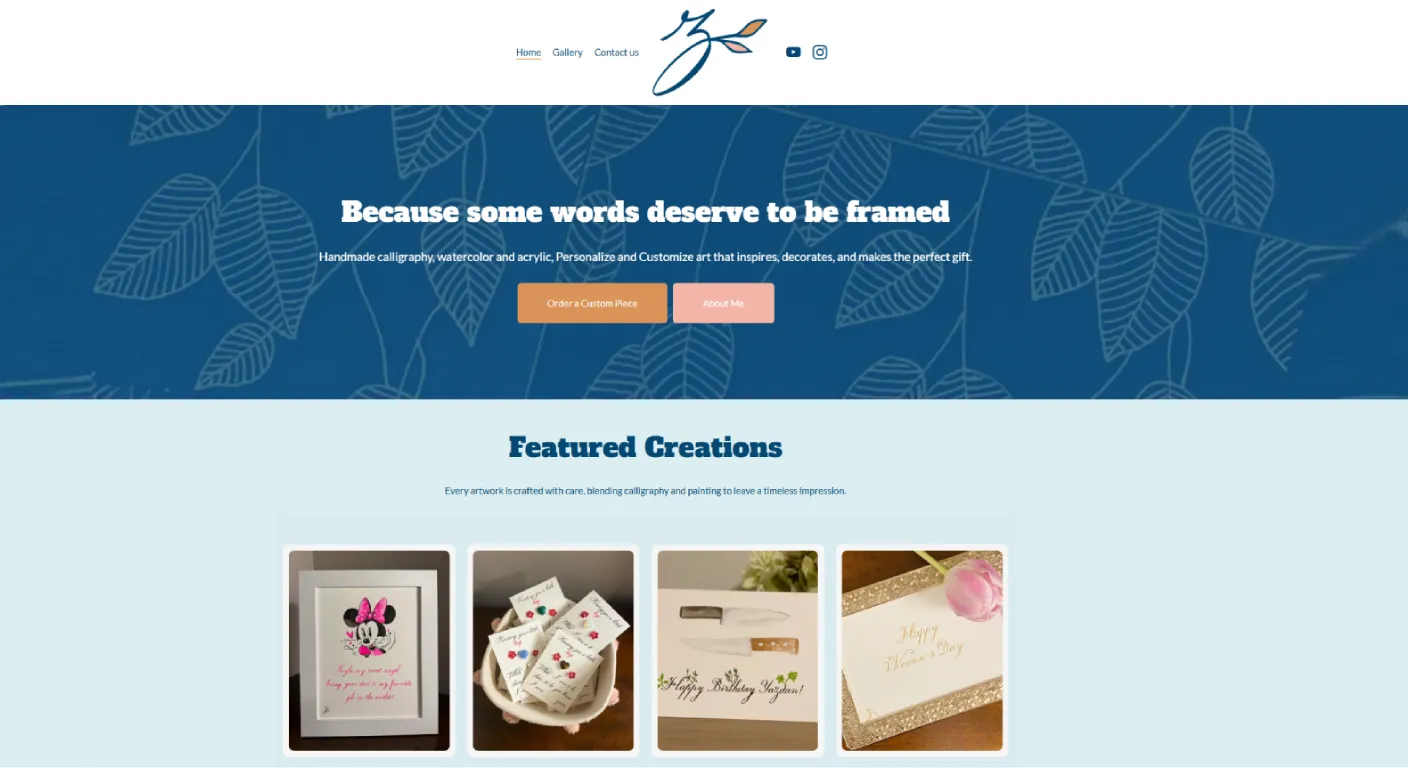
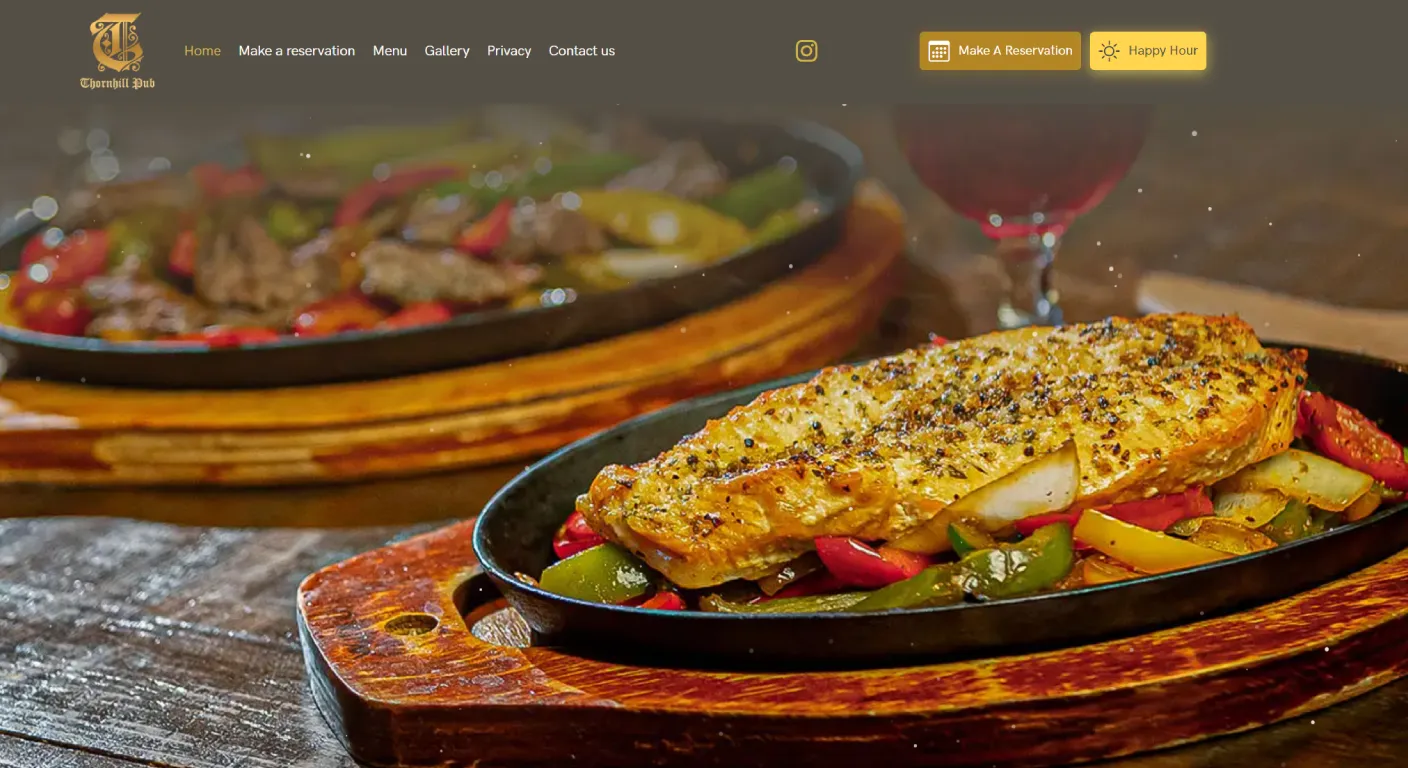
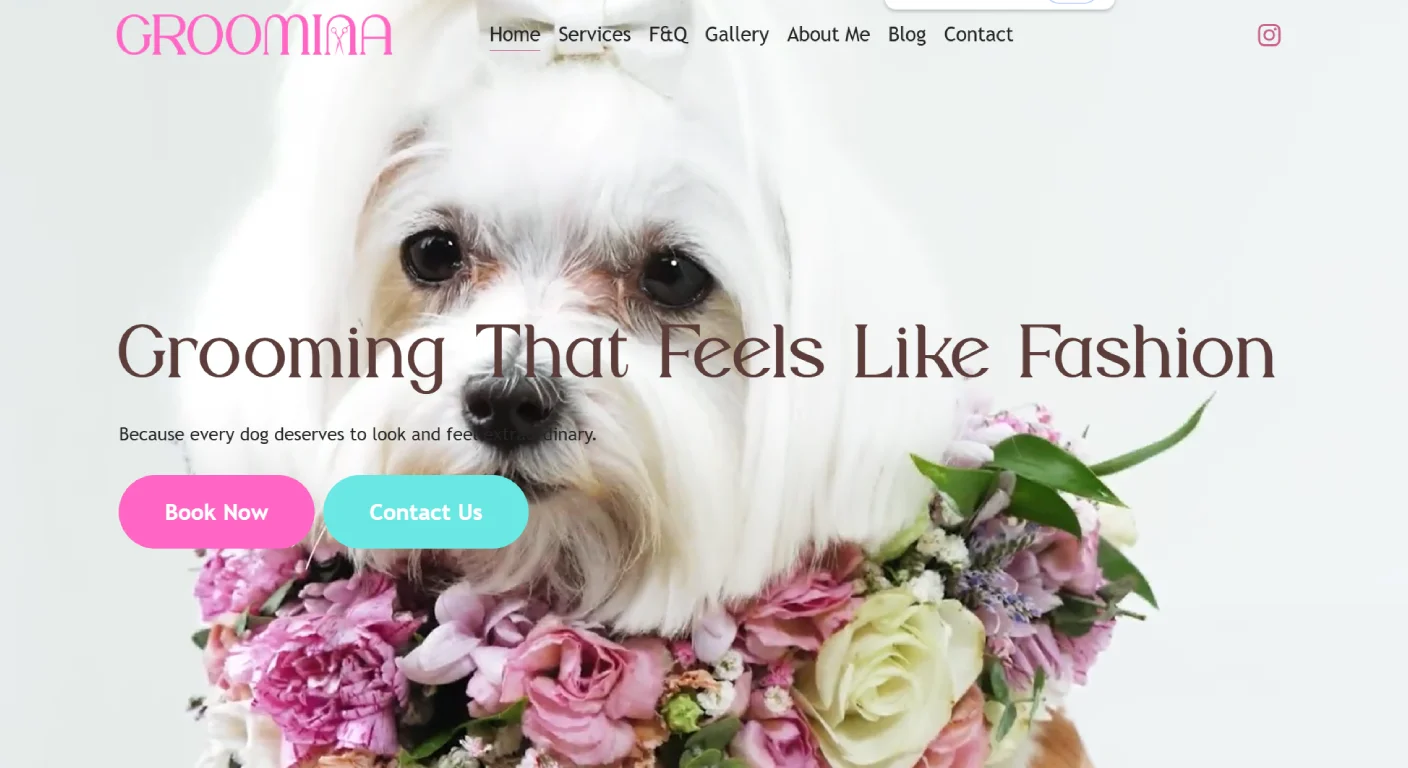
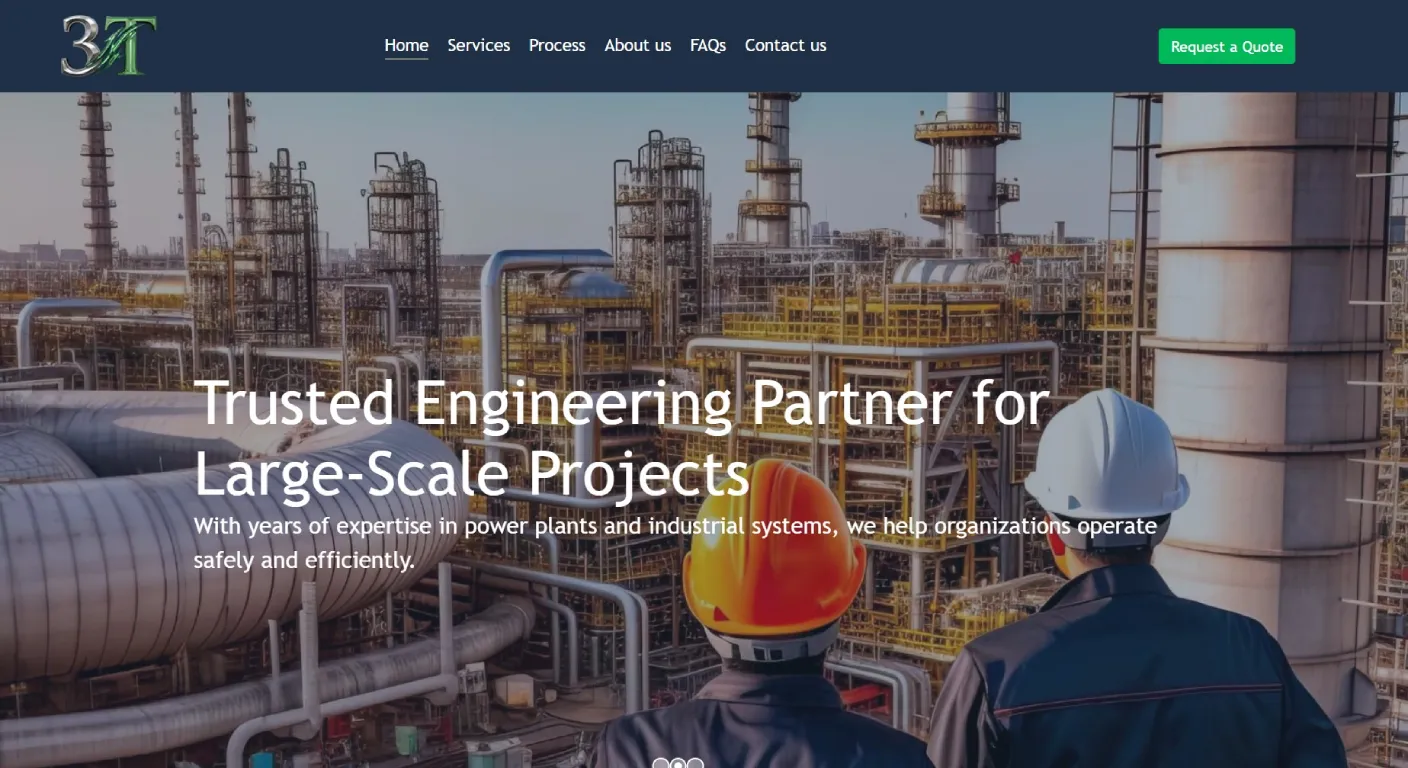
Recent Web Design Projects
Explore a selection of websites we've designed and developed for businesses across Toronto and the GTA.







Option 3: Online Booking
Booking works well when customers can choose a time without needing a detailed conversation first.
This may fit:
- Clinics
- Salons
- Consultations
- Classes
- Appointments
- Some professional services
What Makes Booking Different?
Booking is not just a form. It may require:
- Available time slots
- Service duration
- Staff availability
- Confirmation emails
- Cancellation rules
- Payment or deposit
- Calendar synchronization
Which One Should a Clinic Use?
If patients can choose a service and time directly, booking may be the best option.
If an assessment is required before an appointment can be scheduled, a request form may be more appropriate.
Which One Should a Contractor Use?
A detailed quote request is usually more useful than instant booking.
The contractor may need project type, location, photos and timeline before deciding the next step.
Which One Should a Restaurant Use?
Reservations generally fit a booking system better than a generic contact form.
Private events, however, may require a more detailed enquiry form.
The same business can use more than one lead path.
Which One Should a Professional Service Use?
It depends on the sales process.
If the first step is a 30-minute consultation, booking can work well.
If the provider needs to understand the client's situation before scheduling, an enquiry form may be better.
Do Not Make Every Form Long
A common mistake is adding every possible question to the first form.
Ask:
What information do we truly need before we respond?
If a question can wait until the first call, it may not need to be required on the website.
When Longer Forms Are Useful
Longer forms make sense when:
- The business receives too many irrelevant enquiries
- Important qualification information is required
- The quote depends on specific details
- Photos or documents are needed
Should You Ask for Budget?
Sometimes.
A budget range can help qualify custom projects.
But if customers have no idea what the service should cost, forcing them to enter a number may create unnecessary friction.
A better option can be:
- Under $1,000
- $1,000–$2,500
- $2,500–$5,000
- $5,000+
- Not sure yet
Should Phone Number Be Required?
Only if the business genuinely needs it before responding.
Some customers prefer email first. Making phone mandatory can reduce submissions.
Should You Allow File Uploads?
For some businesses, yes.
Useful examples:
- Renovation photos
- Floor plans
- Reference images
- Brand assets
- Documents for assessment
What About WhatsApp or Text?
For some customer groups, messaging is a preferred first contact method.
It can be useful as an additional option, but the business should still decide how those leads are tracked and handled.
One Website Can Use Different Contact Paths
You do not need one universal form for the whole website.
| Page | Possible Action |
|---|---|
| General Contact | Simple message form |
| Service Page | Request a consultation |
| Custom Project | Detailed quote request |
| Clinic Service | Book appointment |
| Restaurant | Reserve table |
| Private Event | Event enquiry form |
How Do You Know If Your Form Is Too Difficult?
Look for:
- Many form starts but few completions
- Customers calling because the form is confusing
- Required fields that are often left blank
- Mobile layout problems
- Technical errors
Test the Form on a Real Phone
Do not approve the contact process only from desktop.
Submit the form yourself using a phone.
Check:
- Keyboard behaviour
- Dropdowns
- Date fields
- File uploads
- Error messages
- Confirmation message
What Should Happen After Submission?
A form should not disappear into silence.
The visitor should see:
- Confirmation that the request was received
- Expected response time where appropriate
- Next step
Track Which Contact Methods Generate Real Business
Do not judge a form only by submission count.
Track:
- Number of enquiries
- Lead quality
- Bookings
- Quotes accepted
- Revenue where practical
A Simple Decision Table
| Your Business Situation | Best Starting Option |
|---|---|
| Need only basic first contact | Simple contact form |
| Need project details before replying | Quote request |
| Customers can choose time directly | Online booking |
| Different services have different journeys | Multiple contact paths |
How Manisoft Media Plans Lead Paths
For Web Design Newmarket projects, we consider the actual sales process before deciding whether the website should use a simple contact form, quote form, booking system or multiple paths.
If your site already receives traffic but not enough leads, the contact process may be one of several areas worth reviewing.
Not Sure Which Contact System Your Website Needs?
We can map the customer journey and build a contact process that collects the right information without adding unnecessary friction.
Discuss Your Website