



When a business website is being designed, photography often becomes a last-minute decision.
The layout is ready, the text is written, and someone says:
“We can just use stock photos.”
Sometimes that is completely reasonable.
But for many local businesses in Newmarket, real photography can answer questions that stock images never can:
- What does the location actually look like?
- Who will I meet?
- What does the finished work look like?
- Is this really the business I am considering?
At Manisoft Media, we work across both website design and visual content, so we usually decide image strategy based on what the customer needs to trust or understand.
Stock photography is useful for illustration. Real photography is stronger when the customer needs proof.
When Stock Photos Work Well
Stock images can be practical when:
- The concept is abstract
- You need supporting visuals
- The real environment is not important to the buying decision
- The business is new and does not yet have photography
- The budget is limited
Where Stock Photos Become Weak
Stock photography becomes less useful when the customer expects to see the real business.
Examples include:
- Restaurant food
- Clinic interior
- Contractor projects
- Team members
- Event venue
- Retail store
- Products you actually sell
Restaurant Website: Real Food Matters
A restaurant customer does not want to see a generic plate from a stock library.
They want to understand:
- Your actual dishes
- Your atmosphere
- Your interior
- Your presentation
Recent Web Design Projects
Explore a selection of websites we've designed and developed for businesses across Toronto and the GTA.
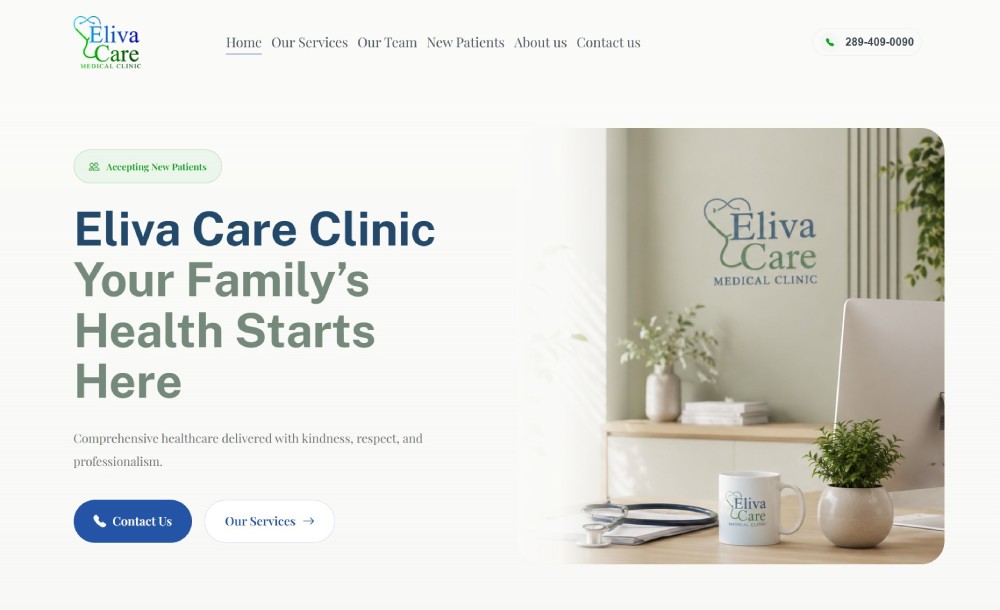


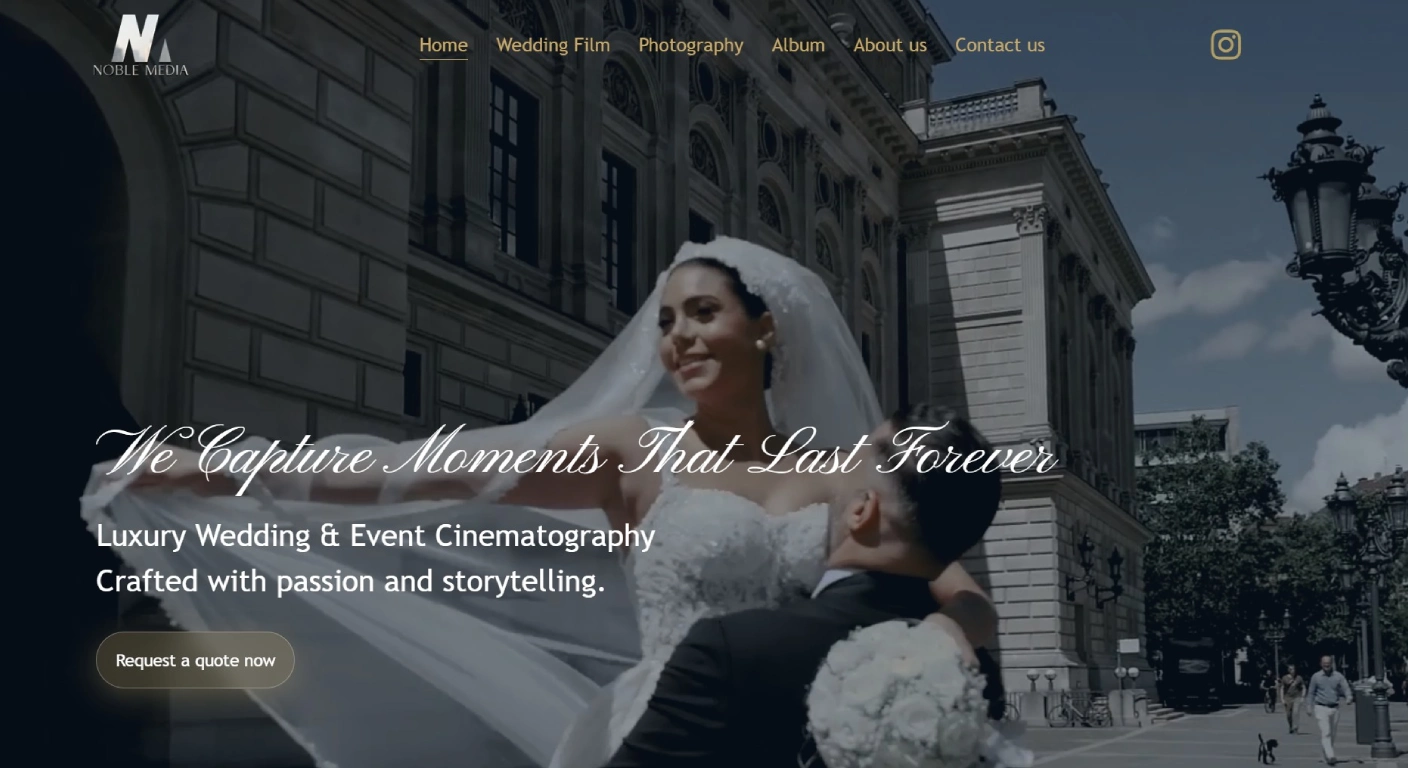


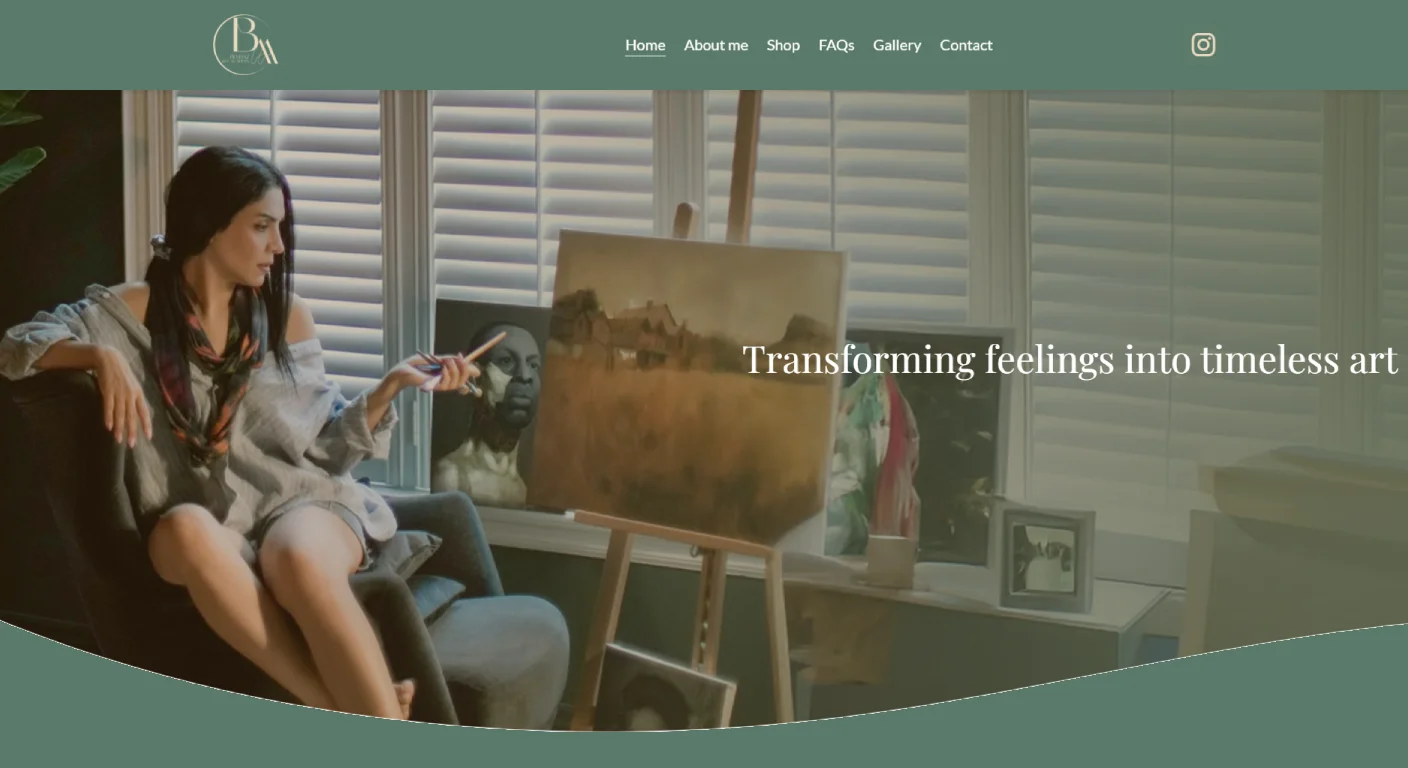


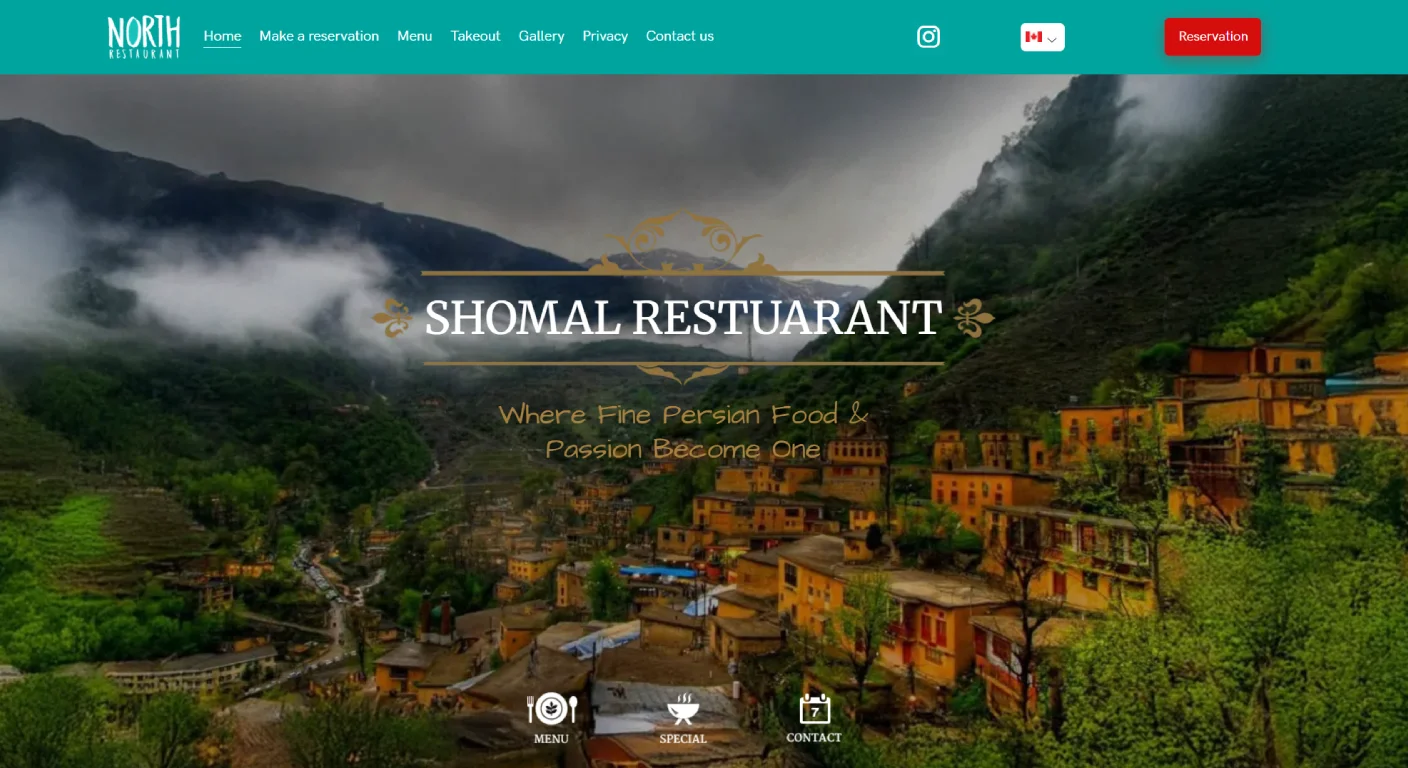
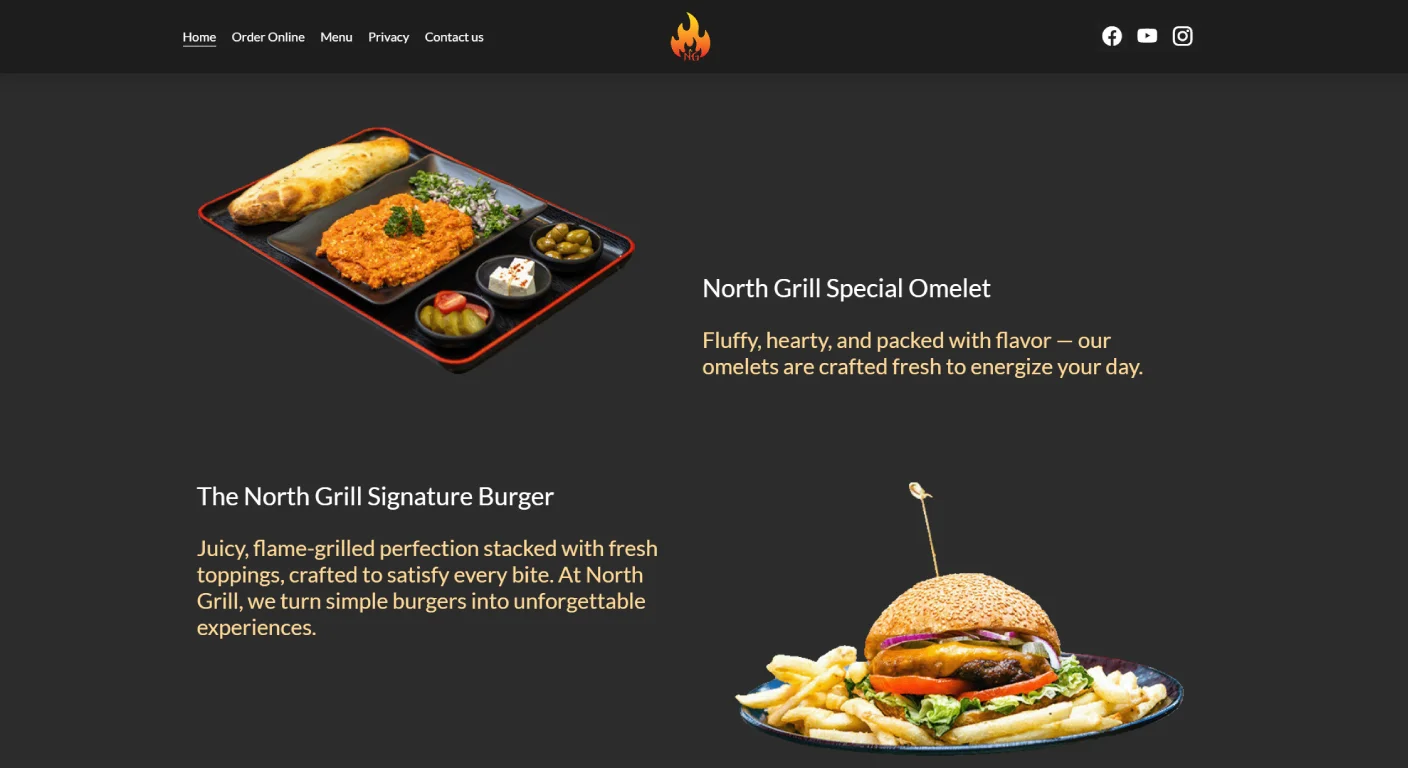
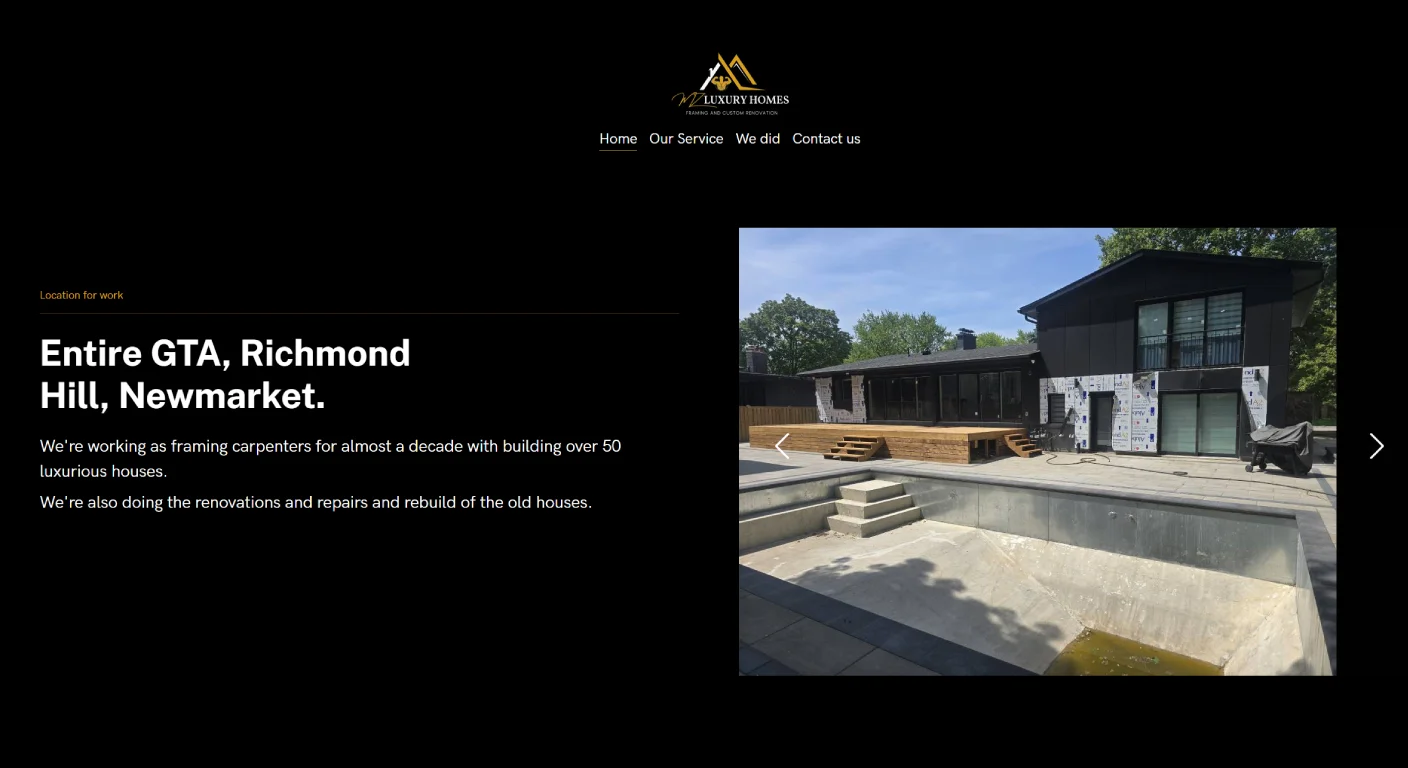
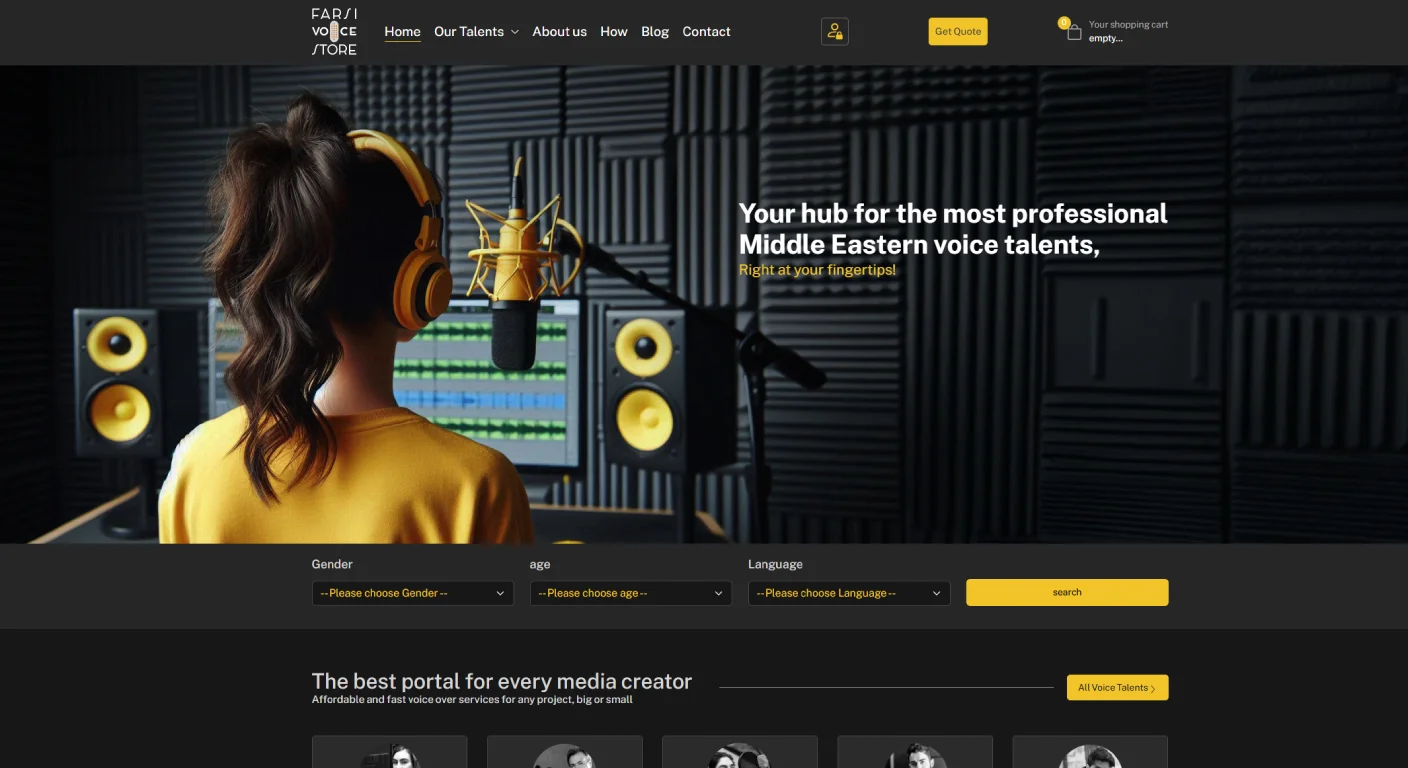
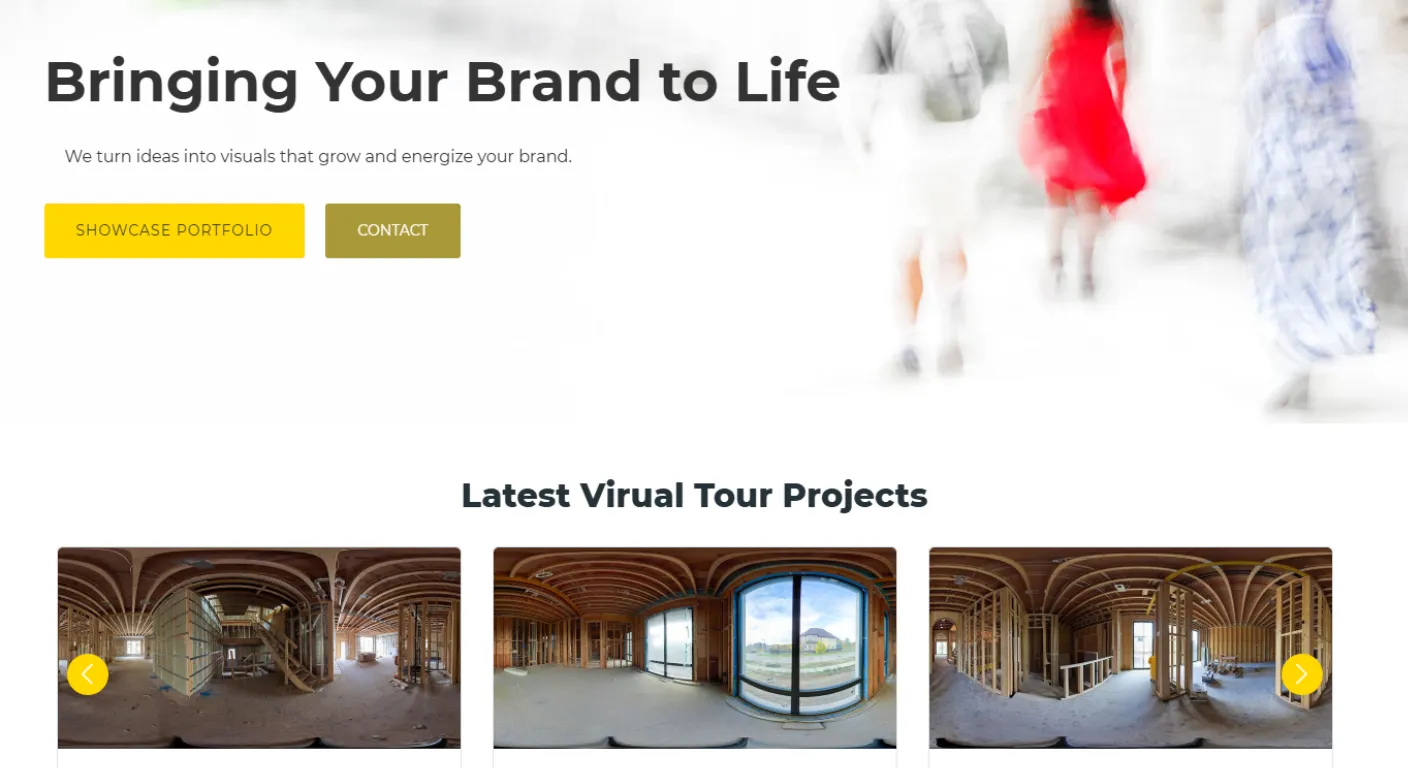
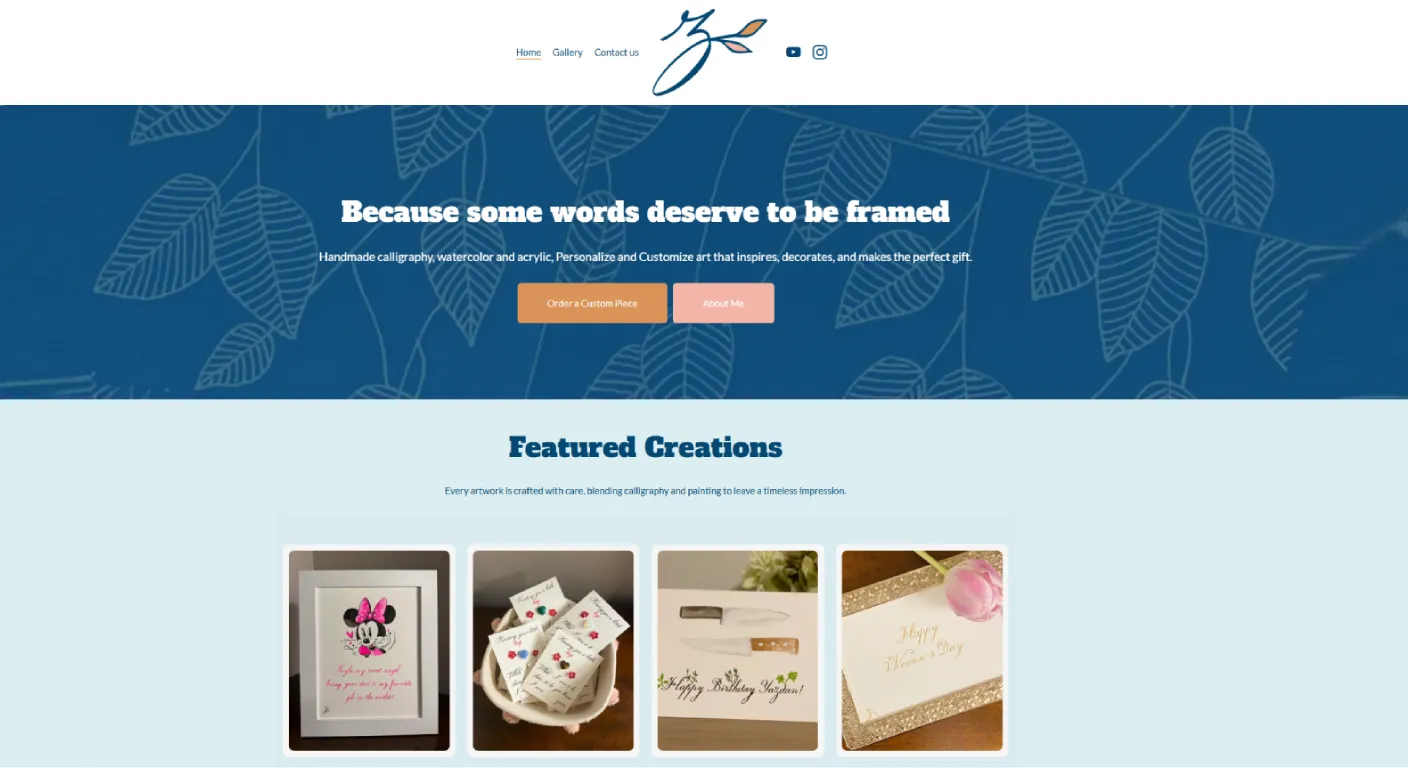
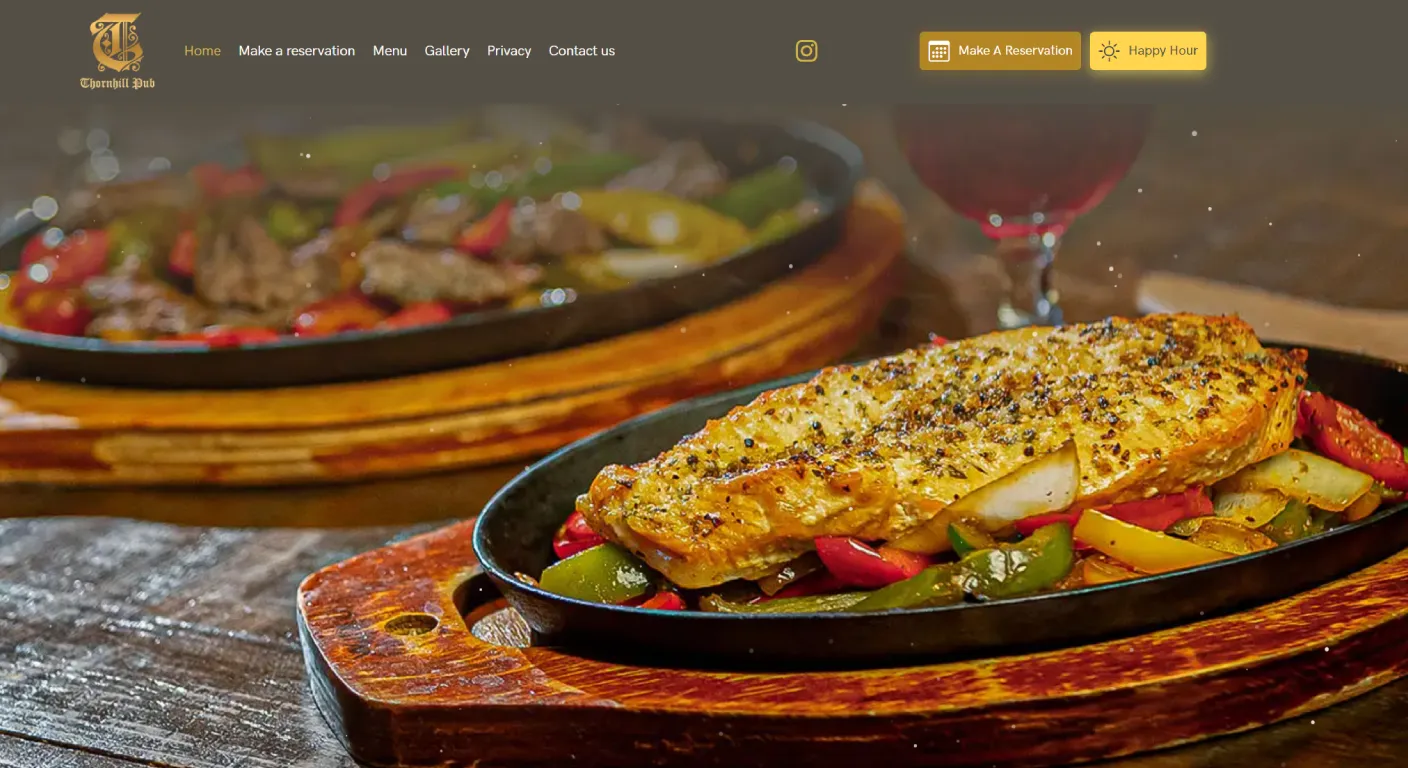


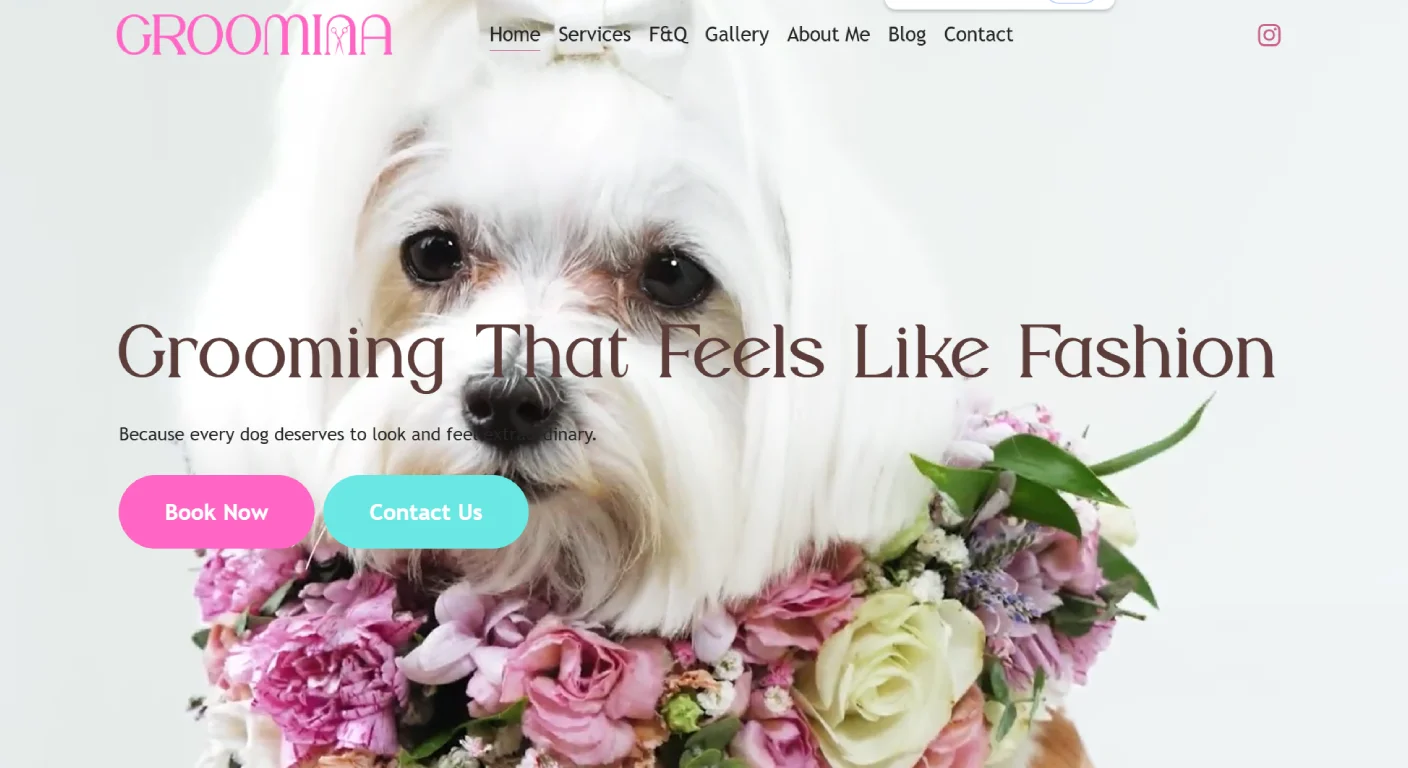


For hospitality businesses, real images are often part of the product itself.
Clinic Website: Show the Real Environment
Patients may want to see:
- Reception
- Treatment room
- Team
- Equipment where relevant
This can reduce uncertainty before the first appointment.
Contractor Website: Proof Is More Important Than Decoration
A contractor can use stock images for general design, but project sections should ideally show real work.
Useful visuals include:
- Before and after
- Finished projects
- Details of workmanship
- Progress stages
Actual projects are evidence.
Professional Services: You May Need Less Photography
An accountant, consultant or lawyer may not need dozens of custom images.
But a real team photo, office image or professional portrait can help make the business feel more credible and personal.
When Stock Photos Can Still Be Better
Real photography is not automatically better if the photos are poor.
Dark, blurry or inconsistent images can reduce the professionalism of the site.
In that case, carefully selected stock imagery may be better until proper photography is available.
You Can Use Both
Many websites use a hybrid approach.
| Website Section | Possible Image Choice |
|---|---|
| Hero | Real flagship image or strong branded visual |
| Team | Real photography |
| Projects | Real photography |
| Abstract service concept | Stock can work |
| Blog article | Stock, custom graphic or real project image |
Should You Photograph Every Employee?
Only if the team is relevant to the customer experience.
A real team section can be useful for:
- Clinics
- Professional services
- Real estate teams
- Education
- Personal brands
What About AI-Generated Images?
AI visuals can be useful for conceptual or illustrative content.
But they should not pretend to show a real office, real staff, real product or real project when they do not.
For trust-sensitive pages, authenticity matters.
Does Real Photography Help Conversion?
It can help when the image answers a real customer question.
For example:
- “What does this clinic look like?”
- “Can this contractor really do this type of work?”
- “What is the atmosphere of this venue?”
- “Who will I be meeting?”
The value comes from information and trust, not simply from the fact that a professional camera was used.
How Many Photos Does a Website Need?
There is no fixed number.
Plan photography around the pages.
Before the shoot, create a list such as:
- Hero image
- Team portraits
- Location wide shots
- Service process
- Products
- Project details
- Horizontal and vertical alternatives
Website Photography Should Be Shot for Layout
This is important.
A beautiful photo may still be difficult to use if there is no space for text or if the subject is always centered.
During a website shoot, capture:
- Wide compositions
- Horizontal versions
- Vertical versions
- Images with negative space
- Close-up details
Image Quality and Website Speed Need to Work Together
Do not upload enormous camera files directly to the website.
Images should be exported appropriately for their display size and compressed without destroying useful quality.
Should You Use the Same Photos on Google Business Profile?
Often yes.
Real business photography can be reused across:
- Website
- Google Business Profile
- Social media
- Advertising
- Sales material
A well-planned shoot can create a library instead of solving only one page.
What If You Cannot Afford Professional Photography Yet?
Prioritize the pages where authenticity matters most.
You might start with:
- Hero image
- Team
- Main location
- Best project examples
Use stock elsewhere until you build a larger visual library.
A Practical Decision Guide
| Situation | Recommended Direction |
|---|---|
| Real environment affects trust | Use real photography |
| Showing actual work is important | Use real photography |
| Illustrating an abstract concept | Stock can work |
| Budget is limited | Use a hybrid approach |
| Current real photos are poor | Use selective stock until a proper shoot |
How Manisoft Media Combines Web Design and Visual Content
Because Manisoft Media works in both website design and visual production, we can plan photography around the actual website structure rather than shooting random images and trying to force them into the layout afterward.
For Web Design Newmarket projects, this can be especially useful for businesses where real visual proof is part of the buying decision.
Building a Website That Needs Better Visual Proof?
We can plan the website and the visual content together so the images support the customer journey instead of simply filling empty spaces.
Discuss Your WebsiteFrequently Asked Questions
