



A website can look modern, load properly and still be difficult to grow through Google Search.
That usually happens when SEO is treated as something that will be “added later” instead of being considered while the website is being planned.
For a Newmarket business, this matters because the website often needs to do two jobs at the same time: explain the business clearly to potential customers and give search engines a clean structure they can understand.
At Manisoft Media, we prefer to think about SEO before the first important pages are built. That does not mean forcing keywords into every heading. It means making decisions about page structure, URLs, navigation, content and technical setup that will not become obstacles six months later.
SEO-friendly web design starts with structure, not a plugin
If the website has unclear service pages, duplicate content, weak internal linking or important pages that search engines cannot properly access, installing an SEO extension later does not solve the underlying architecture.
What Does “SEO-Friendly Web Design” Actually Mean?
An SEO-friendly website is not a website that guarantees rankings.
No website design can guarantee a specific Google position.
Instead, SEO-friendly web design means creating a website that gives future search optimization a strong foundation.
That normally includes:
- Clear page structure
- Useful service pages
- Logical URLs
- Searchable text content
- Internal links
- Mobile-friendly layouts
- Fast and stable pages
- Correct indexing controls
- Unique page titles and descriptions
- A structure that can grow as the business grows
Start With the Services People Actually Search For
One of the most important website decisions happens before the visual design.
You need to decide which services deserve their own pages.
Imagine a Newmarket contractor offering:
- Basement renovation
- Kitchen renovation
- Bathroom renovation
- Home additions
Putting all four services inside one short Services page may be easy to build, but it gives both customers and search engines very little detail about each service.
If each service is genuinely important to the business and has enough useful information to explain, separate pages can create a much clearer website.
One Generic Services Page
Easy to build, but several important services may compete for attention on the same page and have very little room for useful information.
Focused Service Pages
Allows each important service to answer its own customer questions, show relevant work and target its own search intent.
Does Every Service Need Its Own Page?
No.
Creating hundreds of thin pages simply because every service variation could have a URL is not helpful.
A separate service page makes more sense when:
- The service is important to the business
- Customers search for it separately
- You can provide genuinely useful information about it
- The page can explain a different customer need
- You have relevant examples, FAQs or proof to support it
If two services are almost identical and there is nothing meaningful to say separately, combining them may produce a stronger page.
Build the Website Around Customer Intent, Not Your Internal Departments
Businesses often organize websites according to how the company operates internally.
Customers do not necessarily think that way.
A visitor may not understand the difference between two internal departments or technical service names.
The navigation should use language that makes sense to the person looking for help.
For example, a clinic may internally categorize services by practitioner or department, while the patient may simply be looking for a specific treatment.
A better structure begins by asking:
- What is the customer trying to accomplish?
- What words are they likely to use?
- What information do they need before contacting us?
Keep Important Pages Easy to Reach
If an important service page is buried five levels deep in the website, users may struggle to find it and internal linking becomes unnecessarily weak.
A local business website usually benefits from a relatively simple hierarchy.
A simple example
Home
↳ Services
↳ Service A
↳ Service B
↳ Service C
↳ Projects / Case Studies
↳ About
↳ Contact
The exact structure will vary, but the principle is useful: important pages should not feel hidden.
Internal Linking Should Be Planned, Not Added Randomly Later
Internal links help visitors move between related information.
They also help search engines understand relationships between pages.
For example, if a Newmarket business has a main service page and several related articles, the articles can naturally point back to that service when the reader needs more information.
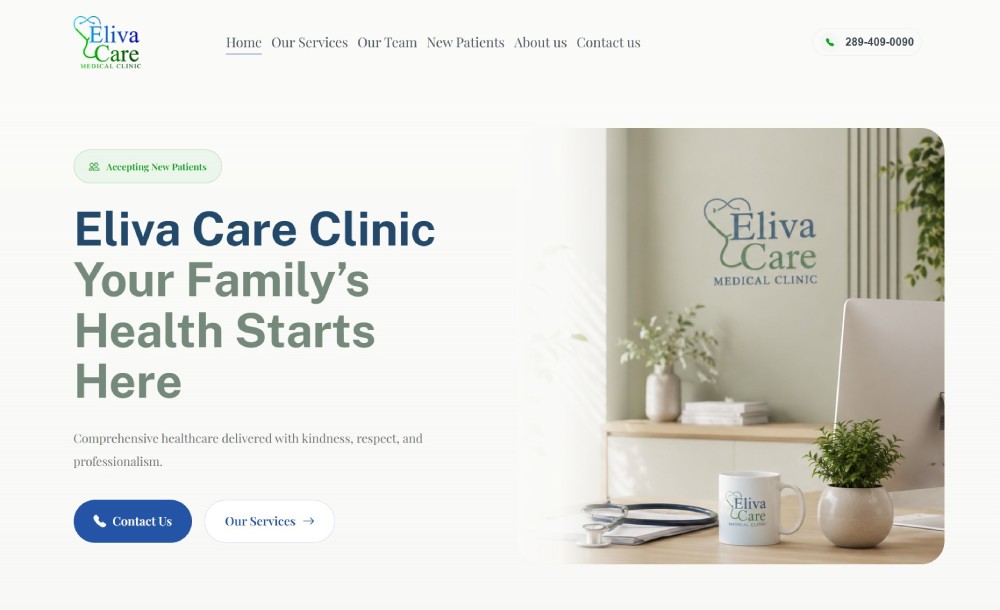
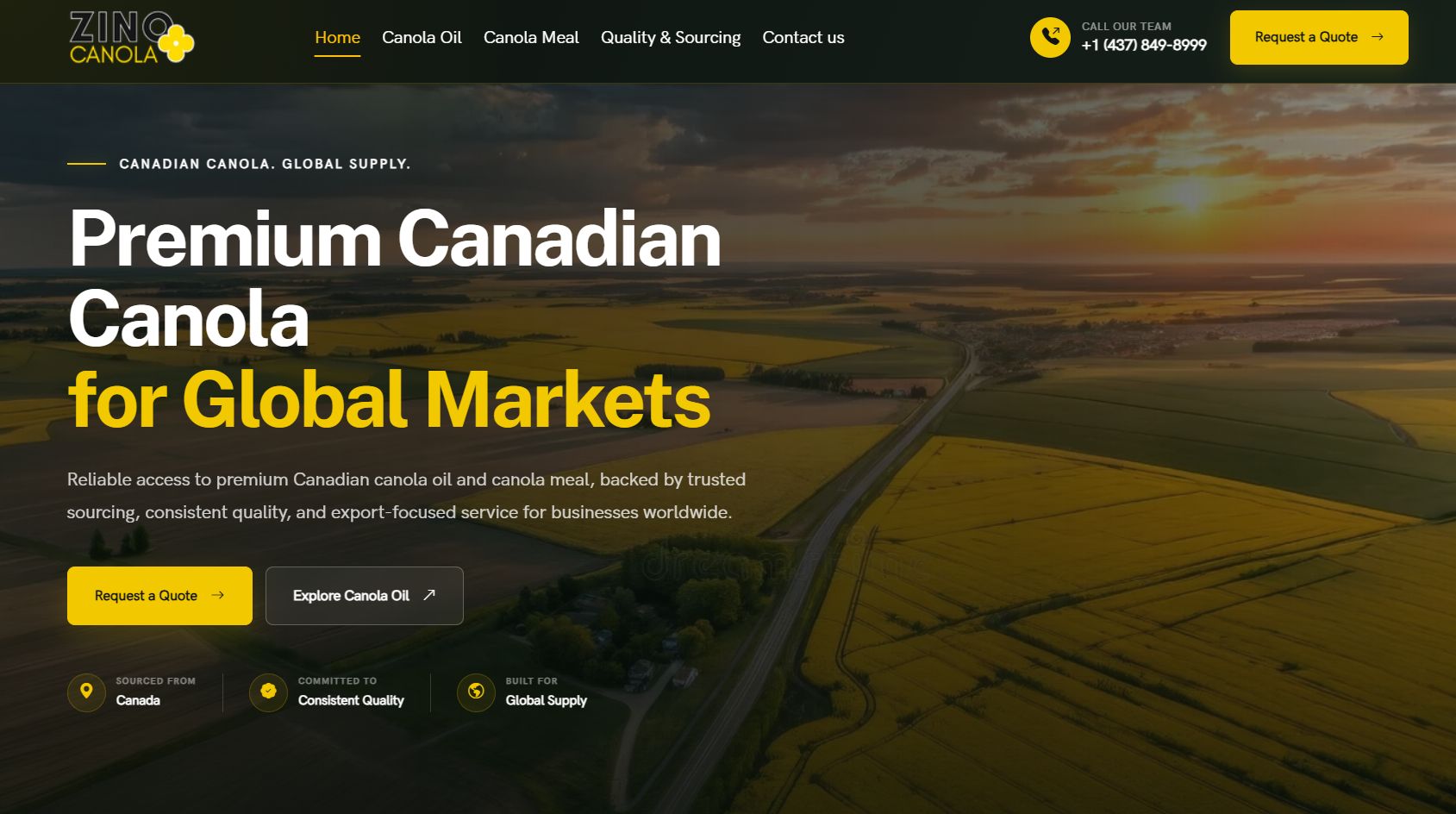
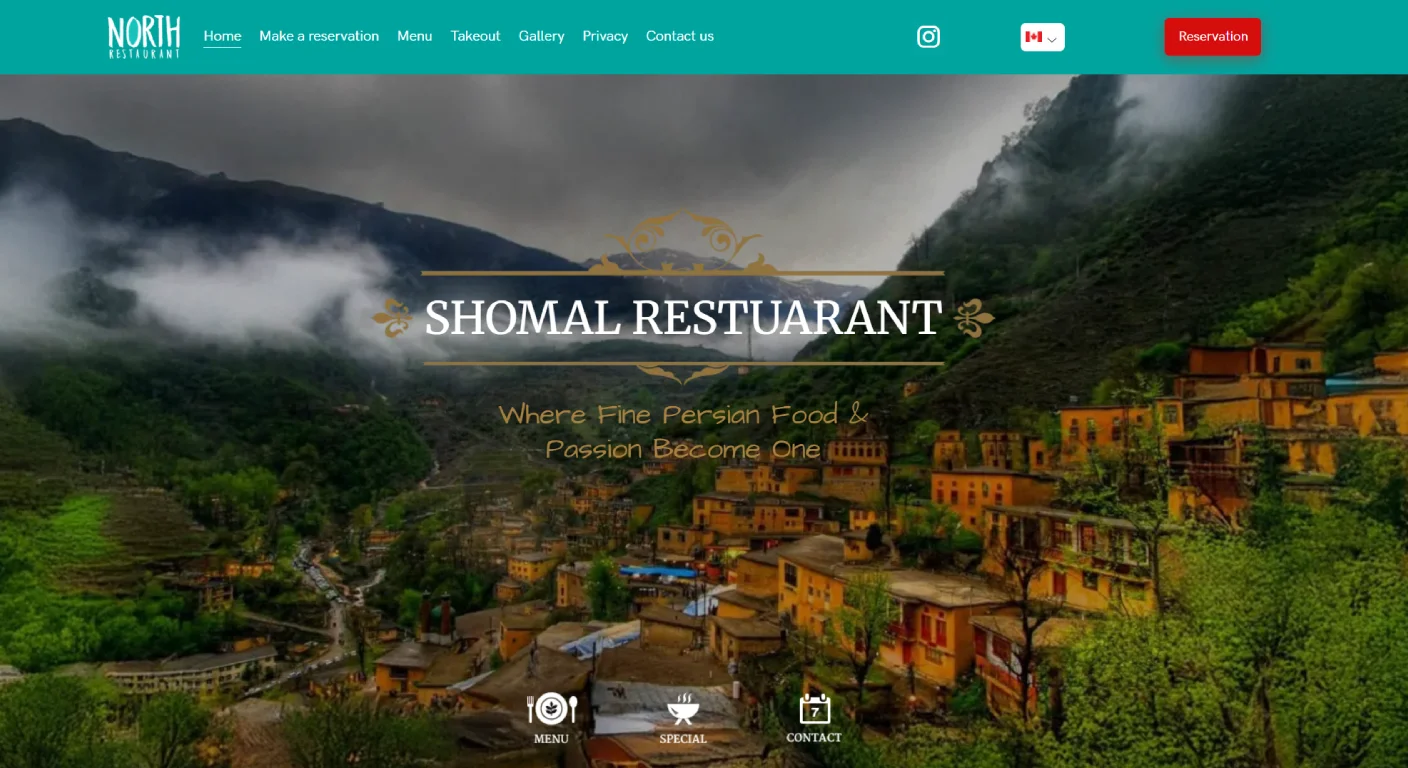
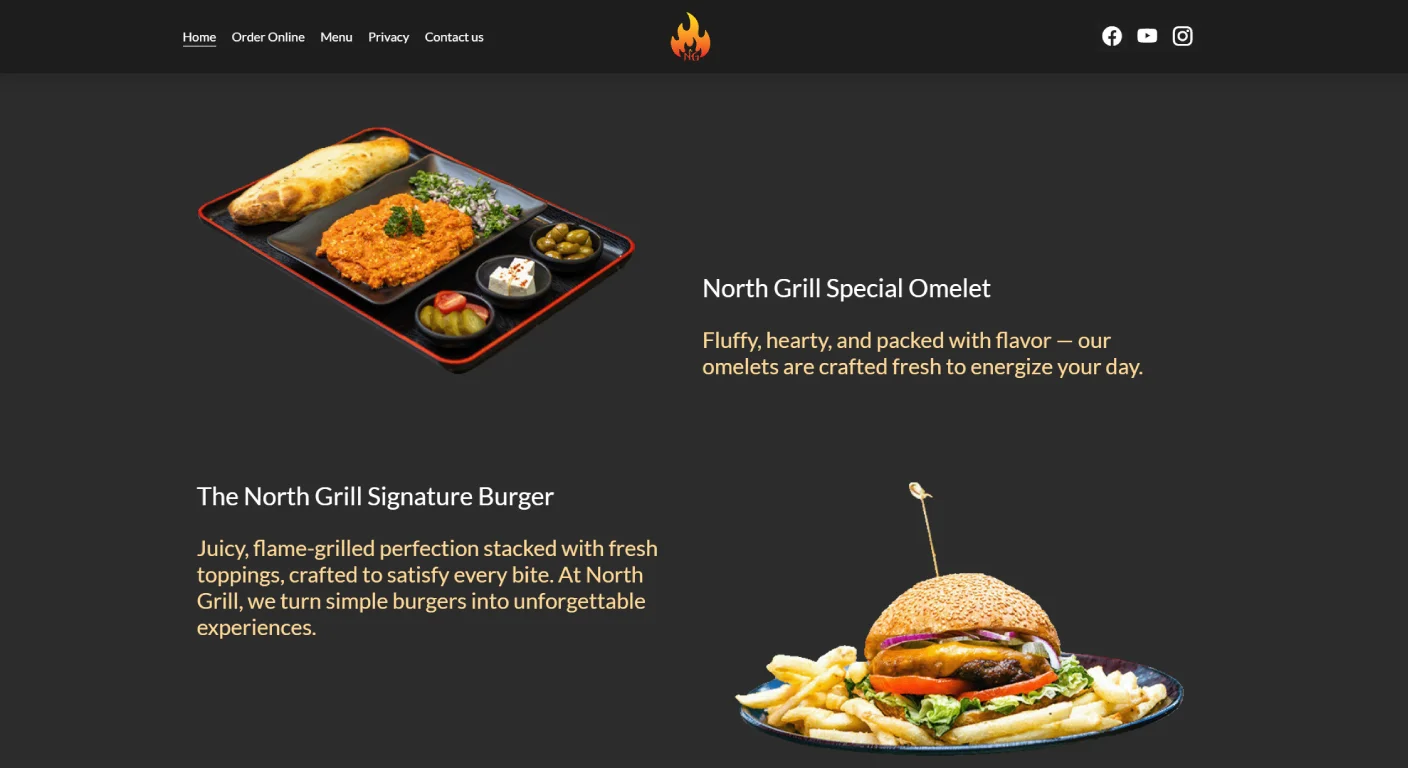
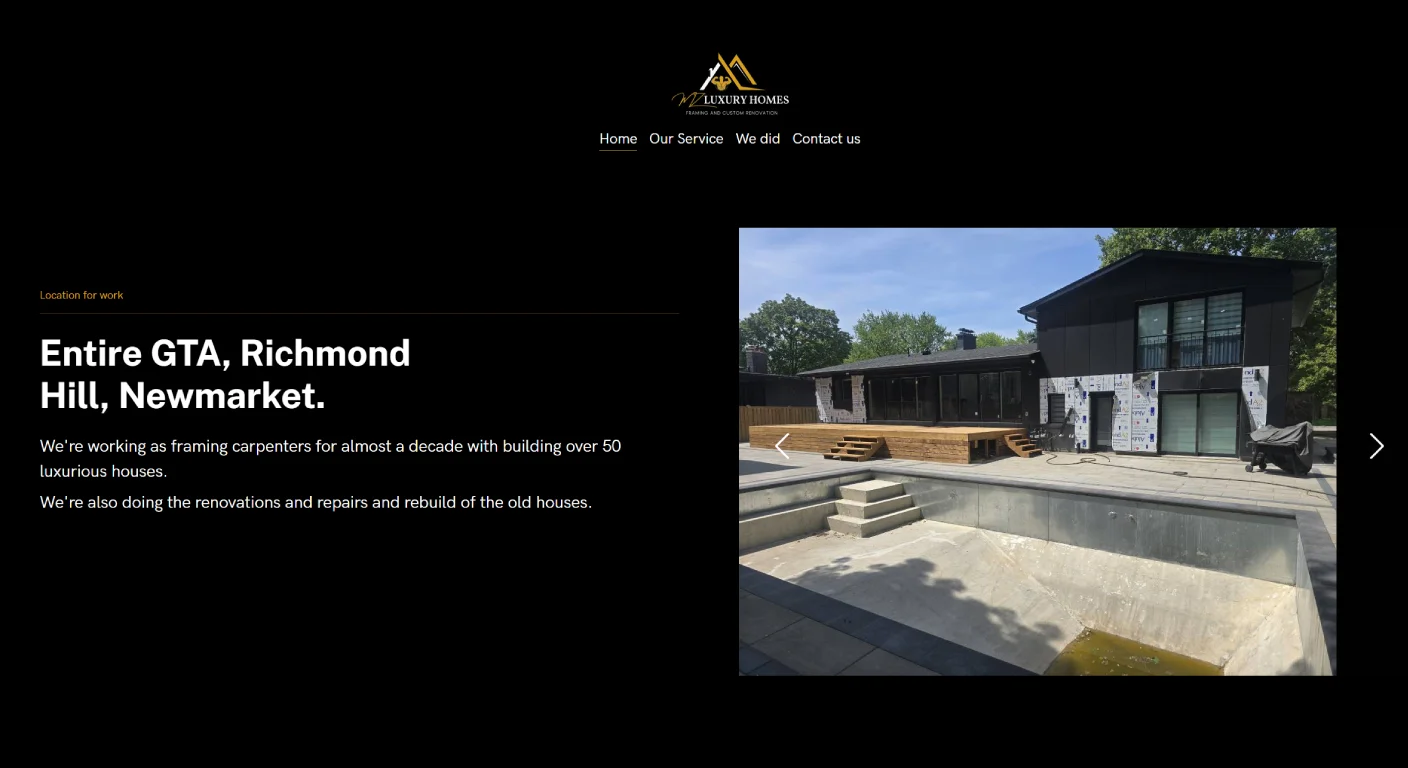
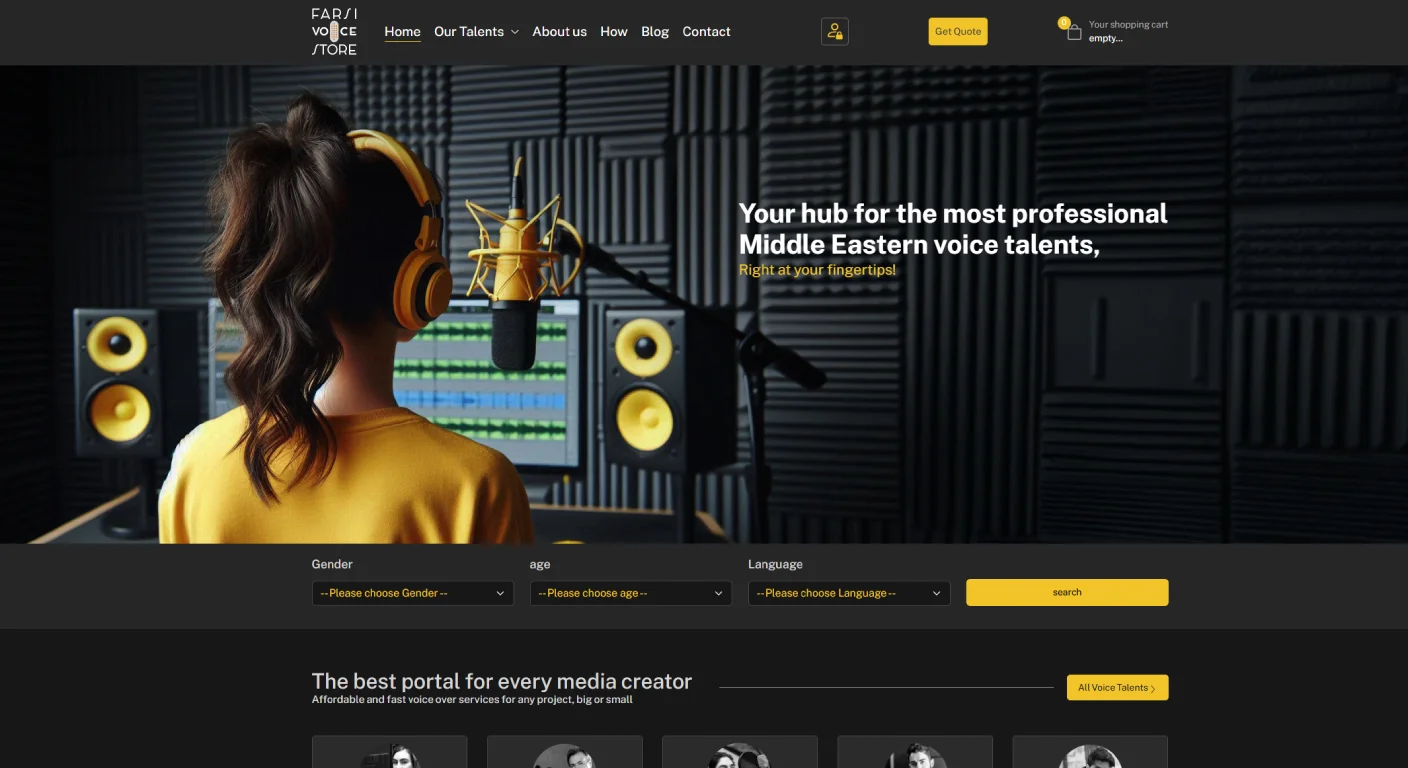
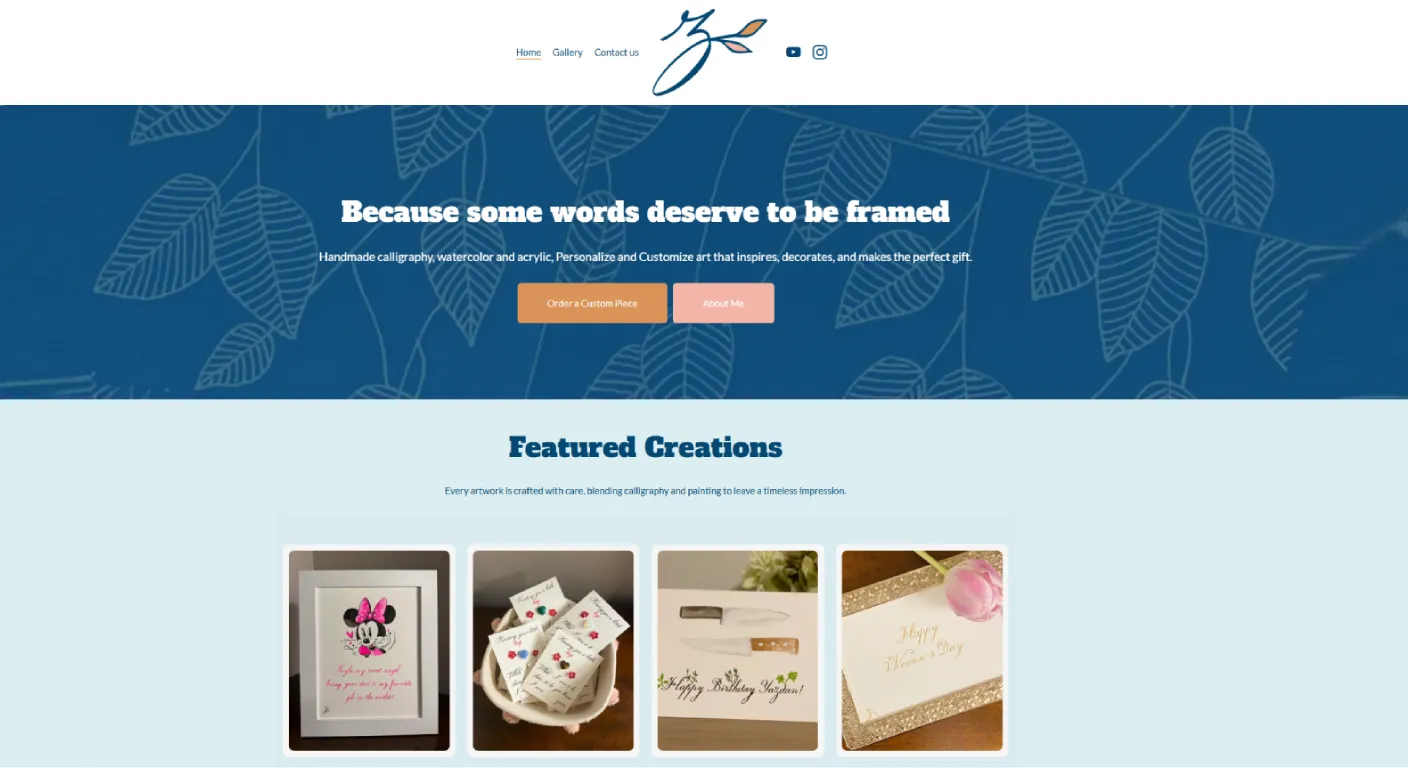
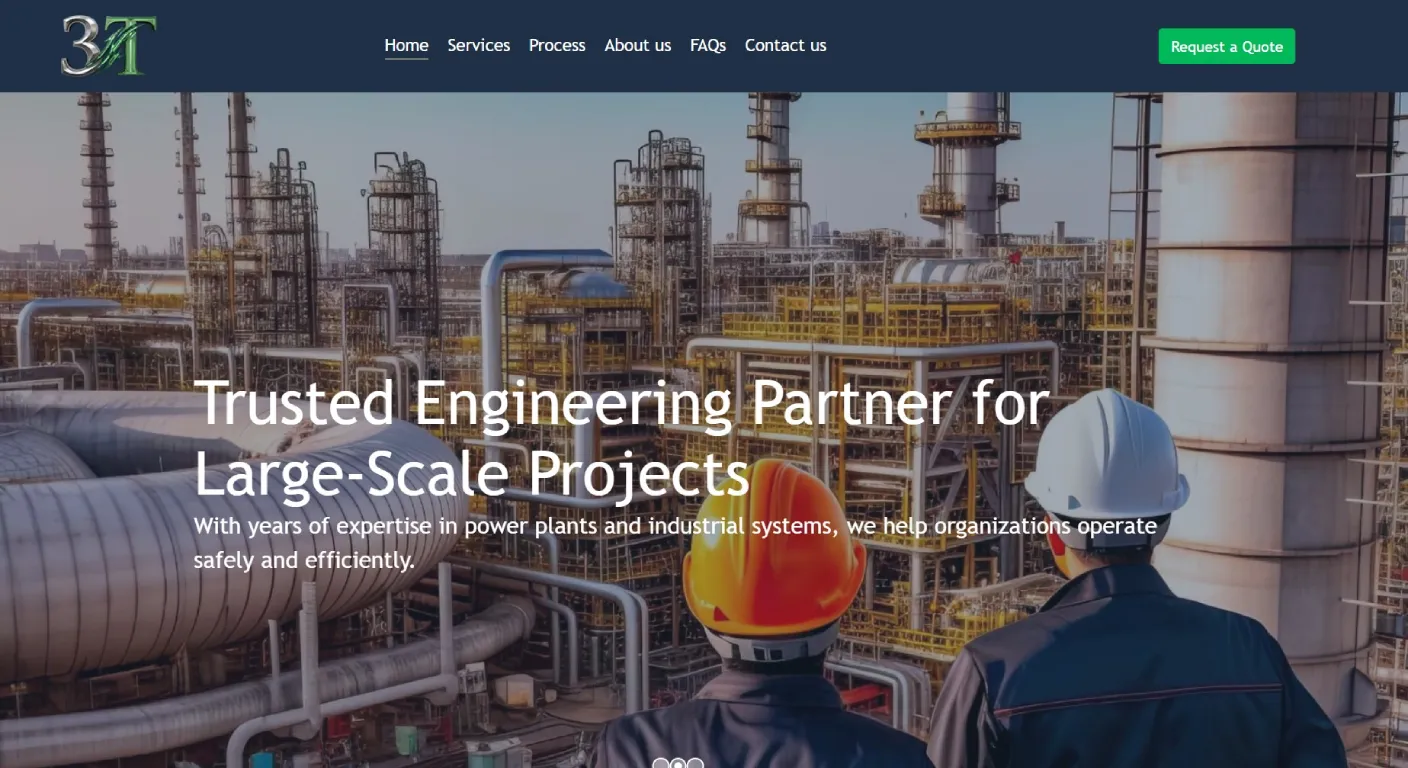
Recent Web Design Projects
Explore a selection of websites we've designed and developed for businesses across Toronto and the GTA.













The service page can also link to useful supporting content.
This creates a clearer content structure than publishing dozens of isolated articles that never connect to the commercial pages of the website.
This article, for example, supports our main Web Design Newmarket service page because SEO-friendly architecture is one part of professional web design.
Use Descriptive Anchor Text
Internal links are more useful when the link itself explains what the destination contains.
Compare:
Less useful: Click here
Clearer: Learn more about our web design services in Newmarket.
The second version gives both the visitor and the surrounding page more context.
Plan URLs Before the Website Becomes Large
Changing a handful of URLs on a new website is easy.
Changing hundreds of established URLs later can become a migration project.
A useful URL should normally be:
- Readable
- Descriptive
- Relatively short
- Stable enough to keep long term
For example:
Clear:
/web-design-newmarket
Less useful:
/index.php?id=47&category=9&service=3
The goal is not to stuff every keyword into the URL.
The goal is to make the structure understandable and maintainable.
Avoid Creating Duplicate Versions of the Same Page
Website systems can sometimes make the same content accessible through multiple URLs.
Examples can include:
- HTTP and HTTPS versions
- URLs with and without parameters
- Category-based and direct URLs
- Old URLs that still load after a redesign
- Multiple city pages with almost identical content
This can make website management and performance tracking more complicated.
Before launching a new site, it is worth deciding which URL should be the main version of each important page and keeping the structure consistent.
Do Not Build Twenty City Pages by Changing Only the City Name
This is particularly important for a business serving Newmarket and surrounding communities.
It may genuinely serve:
- Newmarket
- Aurora
- East Gwillimbury
- Richmond Hill
- Other parts of York Region
That does not automatically mean each city needs an almost identical page.
A location page becomes useful when the content actually changes because the market, service, examples or customer questions are different.
If the only change is replacing “Newmarket” with “Aurora” in fifty places, the page does not provide much additional value to the visitor.
Can You Use One Strong Local Page Instead?
Often, yes.
A business with one physical location in Newmarket may have one strong Newmarket landing page and naturally explain surrounding service areas inside the website.
Additional location pages can be added later when there is enough real content to justify them.
This approach also makes the website easier to maintain.
Make the Main Content Visible in the Page
A website should not depend entirely on images, sliders or animations to communicate its main services.
Searchable text helps visitors understand the offer and gives the website more context.
This does not mean writing enormous blocks of text on every page.
It means making sure important information actually exists in the page content.
A good service page might explain:
- What the service is
- Who it is for
- How the process works
- What affects cost
- Common customer questions
- Relevant examples
- The next step
Write Page Titles for Humans First
The page title is one of the first clues a searcher may see before visiting your website.
It should clearly describe the page.
A title such as:
Services | Company Name
does not tell a potential customer very much.
A more descriptive title can make the topic clearer.
But adding every possible keyword and city into the title can make it difficult to read.
The goal is clarity, not keyword accumulation.
Each Important Page Should Have Its Own Purpose
If several pages all target exactly the same question, the website can become confusing.
For example:
- Web Design Newmarket
- Website Designer Newmarket
- Newmarket Website Design
- Best Web Design Newmarket
Creating four nearly identical pages simply to target four wording variations is usually less useful than creating one strong page.
Supporting articles should answer different questions instead.
For example:
- How much does a business website cost?
- Should you redesign or rebuild?
- Why does a website get traffic but no leads?
- What SEO foundations should be built into a website?
Each page then has a clear reason to exist.
Mobile Design Is Part of SEO-Friendly Design
For a Newmarket local business, a large percentage of potential customers may encounter the website first on a phone.
That means responsive design should not be treated as a final adjustment after the desktop site is complete.
Important mobile checks include:
- Can visitors read without zooming?
- Are buttons easy to tap?
- Is the menu easy to use?
- Can someone call quickly?
- Do forms work comfortably?
- Do images overwhelm the screen?
- Does important content appear in a logical order?
Do not approve a website only from a desktop monitor
Before launch, open every important page on a real phone and complete the same actions you expect a customer to complete.
Page Speed Matters, but Do Not Chase a Score Without Context
A slow website can frustrate visitors.
Large unoptimized images, unnecessary scripts, oversized video backgrounds and poorly configured extensions can all make a page heavier than it needs to be.
However, optimizing a website should not become an exercise in chasing a perfect score while damaging the actual user experience.
The practical goal is a website that feels fast and stable while still supporting the content and functionality the business needs.
Images Should Be Prepared for the Website
Uploading a full-resolution photograph directly from a professional camera is usually unnecessary.
Before images are used on a website, consider:
- Actual display dimensions
- Compression
- Appropriate image format
- Descriptive file names where useful
- Alternative text when the image communicates meaningful information
- Lazy loading where appropriate
For portfolio-heavy businesses such as contractors, photographers, restaurants, venues or real estate professionals, image optimization can make a particularly noticeable difference.
Do Not Hide Important Information Behind Heavy Effects
Animation can improve a design, but important business information should not depend on elaborate interactions to become accessible.
If a service name only appears after a hover animation that does not work properly on mobile, the visual effect is now interfering with usability.
The same principle applies to:
- Complex sliders
- Full-screen introductions
- Autoplay video
- Scroll-triggered text
- Popup-heavy designs
Design should support the information, not make customers fight to access it.
Can Search Engines Reach Your Important Pages?
A beautiful page is not useful for organic search if it is accidentally blocked from indexing.
Before a new website goes live, important pages should be checked for:
- Incorrect noindex settings
- Robots restrictions
- Broken internal links
- Pages that require login unexpectedly
- Incorrect canonical settings
- Old staging versions accessible publicly
This is particularly important during a redesign because temporary development settings can accidentally remain active after launch.
Use a Sitemap, but Do Not Treat It as a Substitute for Navigation
An XML sitemap can help search engines discover important URLs.
But a sitemap should not be used to compensate for a website where important pages cannot be reached naturally through navigation and internal links.
Customers should be able to move through the site logically too.
What Should Happen to Old URLs During a Redesign?
If an existing website already has useful pages, do not simply delete the old URLs during launch.
First determine:
- Which pages are staying
- Which URLs are changing
- Which pages are being merged
- Which pages genuinely no longer have a replacement
When an old page has a clear new equivalent, the old URL can be redirected to the relevant new page.
This is one reason SEO planning should happen before a redesign launches, not several weeks afterward.
Local SEO Needs More Than a City Name
If you want to attract customers in Newmarket, the website should provide clear local context.
That may include:
- Accurate business contact information
- Real service-area information
- Newmarket-specific project examples where available
- Local customer questions
- Directions or location information for physical businesses
- Connection with the business's Google Business Profile
But adding “Newmarket” to every sentence is not a local strategy.
Local relevance should come from the actual business and the customers it serves.
Your Website and Google Business Profile Should Agree
If you operate a local business, important business information should be consistent across your website and your Google Business Profile.
For example:
- Business name
- Address when applicable
- Phone number
- Hours
- Main service categories
If your website says the business closes at 6 PM and the Google profile says 8 PM, the problem is not only SEO.
It creates a customer experience problem.
Should Schema Be Added to the Website?
Structured data can help search engines understand specific types of information on a page.
But it should describe information that genuinely exists.
Adding large amounts of markup does not replace useful content.
For a local business, relevant structured data may include information about the organization, local business, products, events or other supported content types depending on the website.
The implementation should match the actual page rather than adding every available schema type simply because a plugin offers it.
Build Analytics Into the Website From the Beginning
If the website is supposed to generate business, you should be able to measure the actions that matter.
Before launch, decide what counts as a meaningful conversion.
That may include:
- Contact form submissions
- Quote requests
- Bookings
- Phone actions
- Purchases
- Other high-value interactions
If measurement is planned at launch, it becomes much easier to evaluate whether future SEO, advertising or website improvements are actually helping.
Connect Search Console Early
Search Console can help you understand how Google discovers and displays the website.
After launch, it can be used to monitor:
- Indexing
- Search queries
- Clicks
- Impressions
- Pages receiving organic visibility
- Technical issues reported by Google
This does not improve rankings by itself.
It gives you information needed to make better decisions.
Do Not Build the Website So Only the Original Developer Can Maintain It
This is often overlooked when discussing SEO.
A website that is extremely difficult to update can eventually become an SEO problem because nobody wants to maintain the content.
Ask before launch:
- Can a service page be edited?
- Can a new page be added?
- Can titles and descriptions be changed?
- Can redirects be managed?
- Can images be replaced?
- Can articles be published?
The easier it is to maintain the website responsibly, the easier it becomes to improve it over time.
Think About Growth Before Choosing the Website Structure
A Newmarket business may begin with four services today and add more later.
The website should not need to be rebuilt every time the company grows.
A good structure leaves room for:
- New services
- Case studies
- Articles
- Locations when genuinely needed
- Team members
- Products or other business features
This is one of the differences between building only for launch day and building a website that can continue supporting the business.
A Practical SEO-Friendly Website Checklist
If you are building a new business website in Newmarket, you can use this checklist before launch.
Website Structure
- Are the main services clearly separated?
- Can important pages be reached easily?
- Does every important page have a clear purpose?
- Are there unnecessary duplicate pages?
Content
- Does each service page answer real customer questions?
- Are titles and headings descriptive?
- Is important information available as readable text?
- Does the content explain the next step?
Local
- Is the real service area clear?
- Is business information accurate?
- Does the website contain real local proof where available?
- Does website information agree with the Google Business Profile?
Technical
- Do important pages load correctly on mobile?
- Are URLs clean and stable?
- Are important pages indexable?
- Are duplicate URL issues controlled?
- Are old URLs handled correctly during a redesign?
Measurement
- Is analytics installed?
- Are important leads or conversions measurable?
- Is Search Console connected?
What Should Be Done Before the Designer Starts?
One of the best ways to avoid future SEO problems is to plan the website before designing individual sections.
Before the first page is built, define:
- Main services
- Important pages
- Navigation
- URL structure
- Local service area
- Content responsibilities
- Conversion actions
This does not require months of strategy.
Even a simple website map can prevent a lot of restructuring later.
What Should Be Done Before Launch?
Before publishing the new website, test it as both a customer and a site owner.
Check:
- Desktop and mobile layouts
- Menus
- Forms
- Phone and email links
- Important internal links
- 404 pages
- Redirects
- Page titles
- Indexing settings
- Analytics
- Search Console
- Sitemap
- HTTPS
Launch day should not be the first time these things are reviewed together.
What Should Be Done After Launch?
SEO-friendly web design creates the foundation.
It does not finish the SEO process.
After launch, businesses may still need to:
- Improve service content
- Publish genuinely useful supporting articles
- Add case studies
- Monitor search performance
- Improve weak pages
- Build local authority
- Maintain the website technically
If search growth is a priority, our SEO services in Newmarket cover the ongoing side beyond the initial website build.
When Does Manisoft Media Consider SEO During Web Design?
At Manisoft Media, we do not treat web design and SEO as completely unrelated activities.
That does not mean a web design project automatically includes an unlimited ongoing SEO campaign.
It means the initial website structure should avoid obvious problems that make future optimization harder.
We consider things such as:
- Page hierarchy
- Service structure
- Internal links
- Mobile usability
- Clean URLs
- Indexing
- Content organization
- Future growth
Our professional Web Design Newmarket service currently starts from $1,499 CAD, with final scope depending on the pages and functionality the business requires.
Planning a New Website in Newmarket?
Before building the pages, make sure the website structure can support the services you offer today and the way you plan to grow tomorrow. We can help define the website structure before development begins.
Final Thoughts: SEO Is Easier When the Website Is Built With It in Mind
You can improve almost any website later.
But fixing a poor structure after hundreds of pages have been created is usually harder than planning a clean foundation at the beginning.
For a Newmarket business, an SEO-friendly website should make services easy to understand, important pages easy to reach and future growth easier to manage.
It should work well for customers first while giving search engines a clear and technically accessible version of the same information.
That is a much stronger starting point than launching first and trying to repair the entire structure later.
